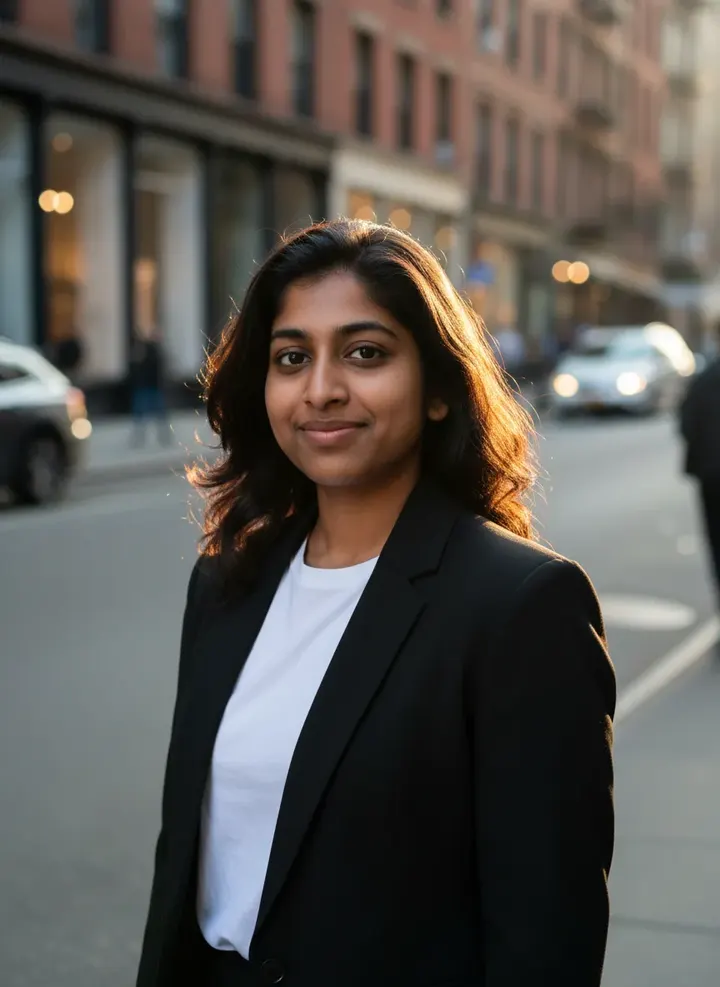
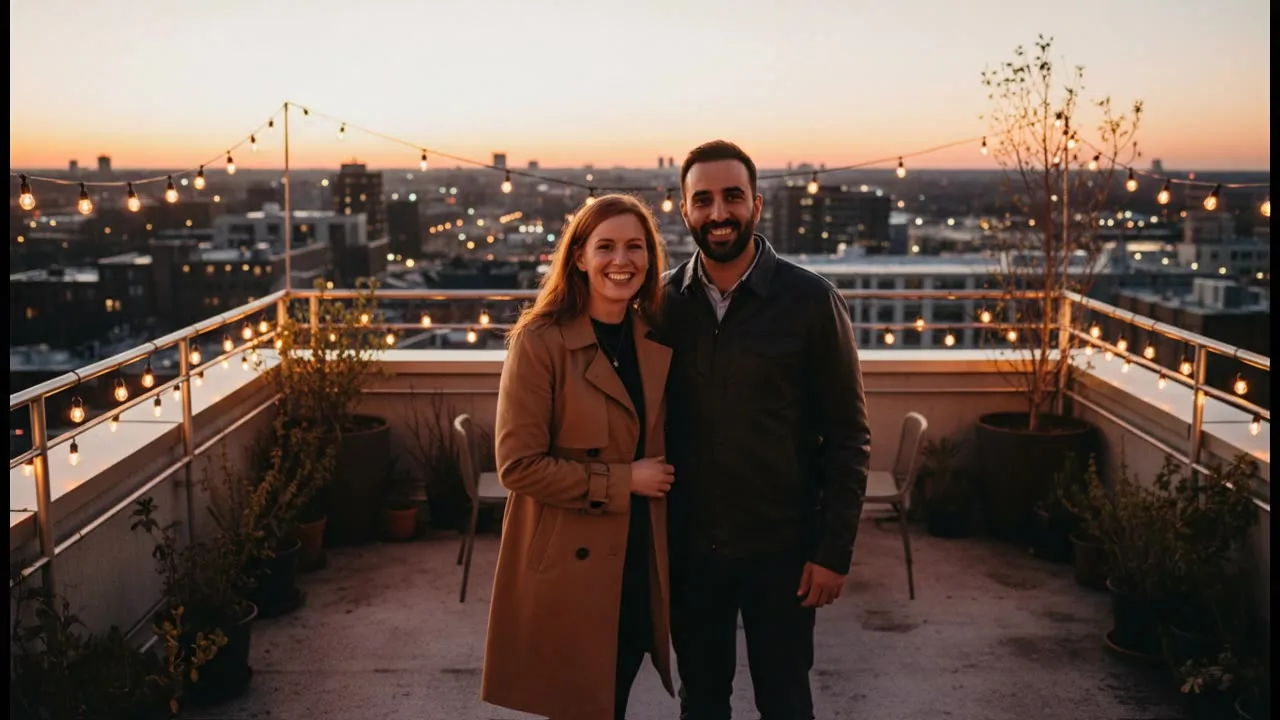
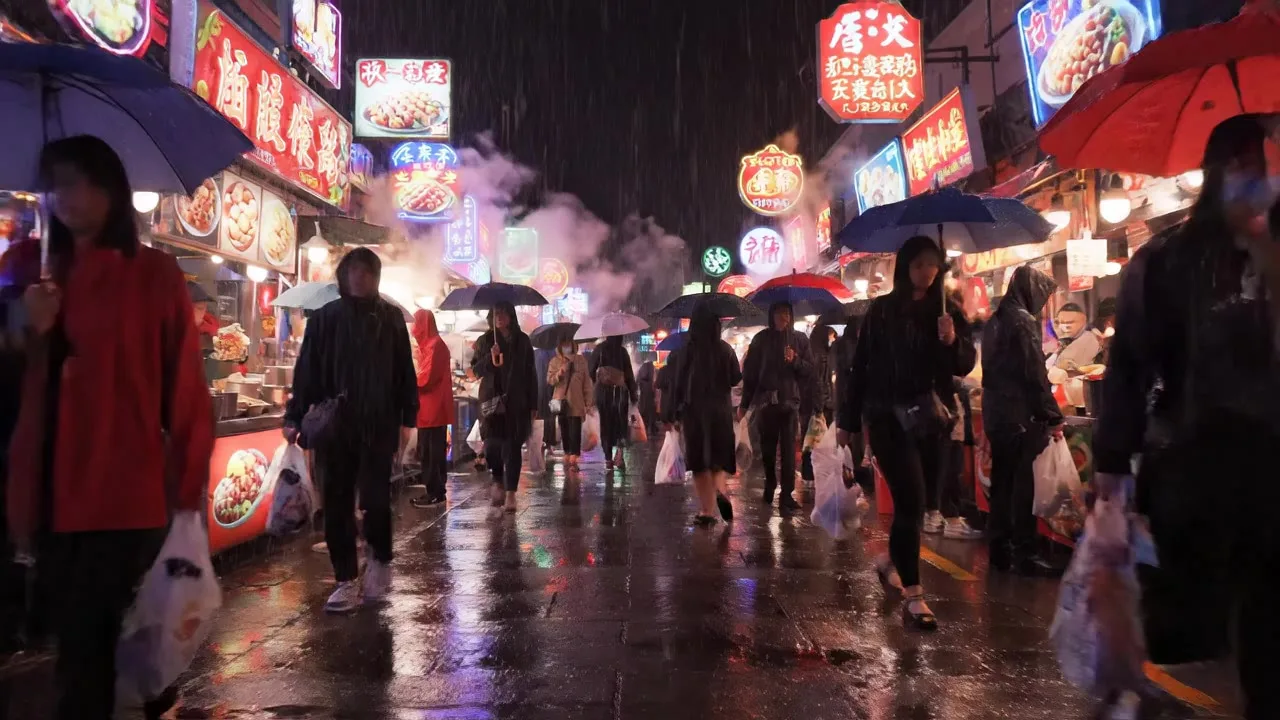
AI Photo Editing Tools
Fix the photo you already have: restore it, cut out the subject, swap the background or change one thing by asking for it.
7 tools, 7 with a real sample
All 7 tools in Photo Editing
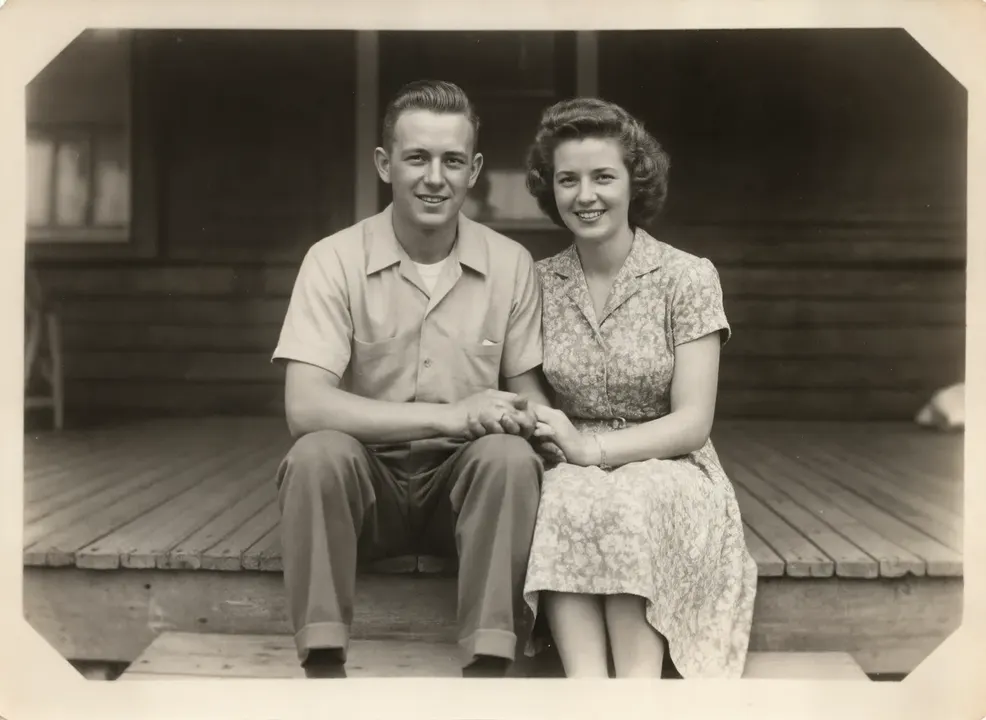
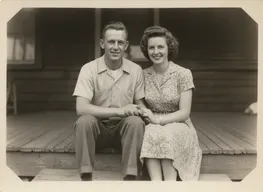 Sample start photo
Image Upscaler
Upscale low-resolution photos and AI images with added detail. Sharper faces, cleaner edges, bigger files for print. Upload and go.
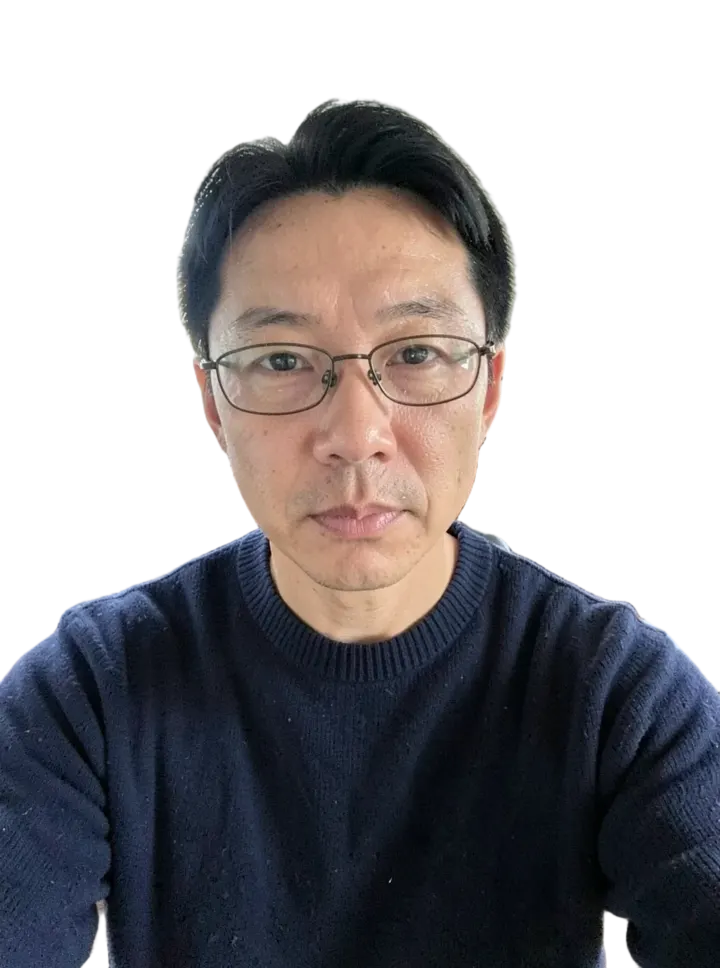
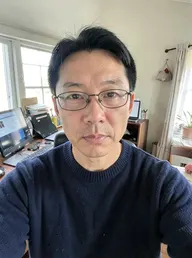 Sample start photo
Background Remover
Remove the background from any photo and get a transparent PNG with clean hair and edges. Products, people, pets and logos.
![Object Remover sample made with FLUX.1 Kontext [pro]](/showcase/object-removed.thumb.webp)
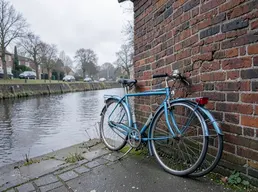 Sample start photo
Object Remover
Remove unwanted people, objects, text or wires from a photo by describing them. The rest of the image stays untouched.
 Sample start photo
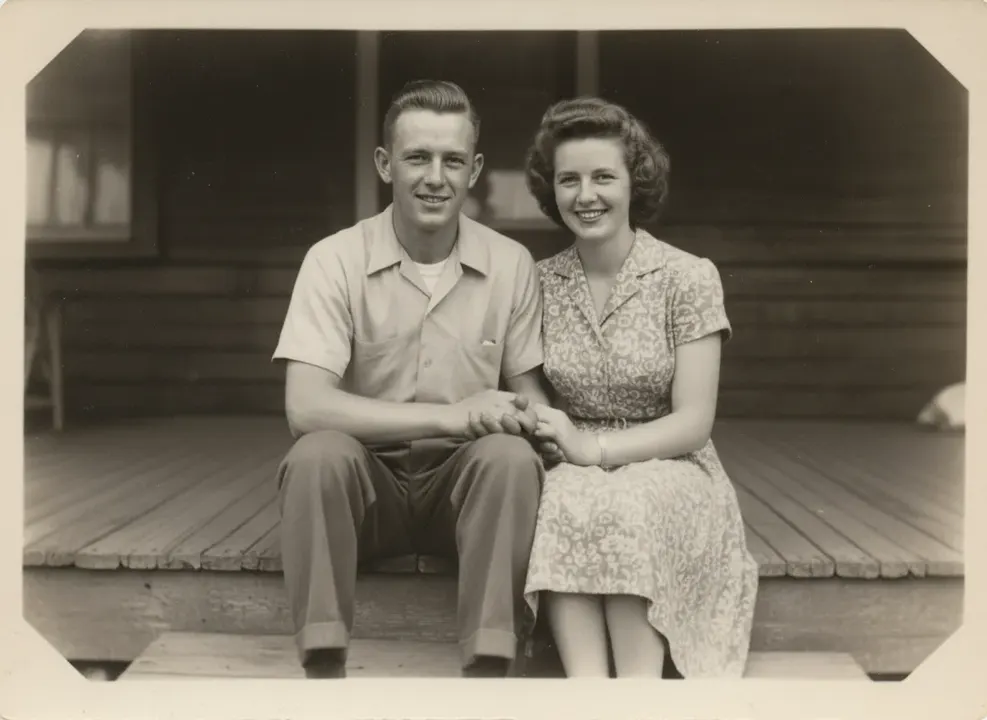
Photo Restorer
Restore old family photos: remove scratches, tears and fading, sharpen faces and optionally add color. Keeps the people as they were.
 Sample start photo
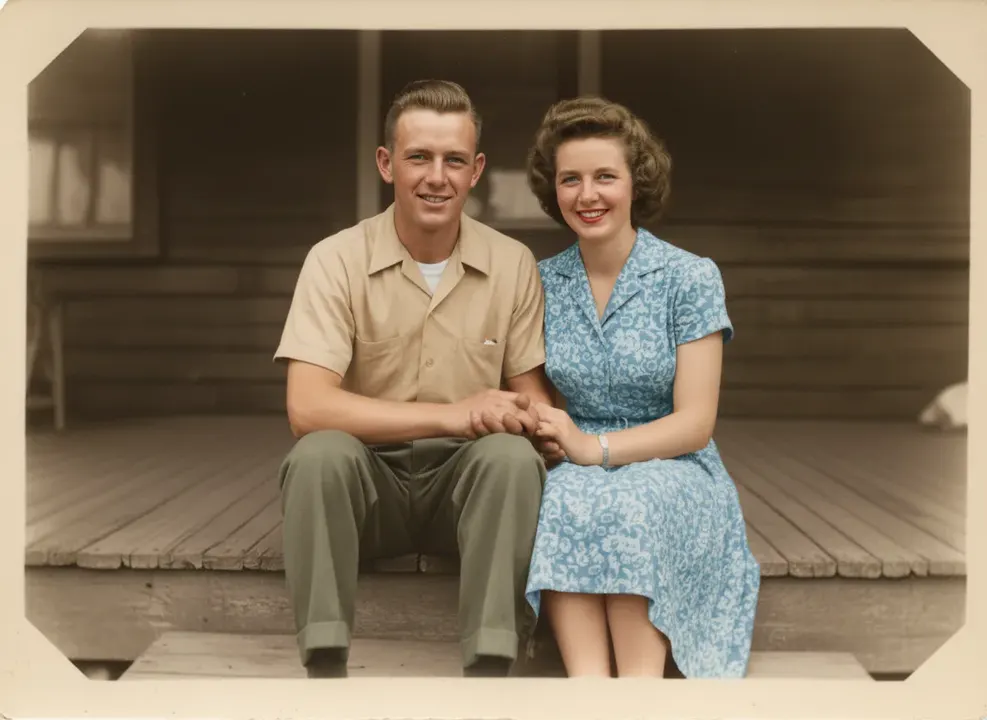
Image Colorizer
Colorize black and white photos with natural, period-accurate colors. Skin tones, clothing and skies that look real, not tinted.
 Sample start photo
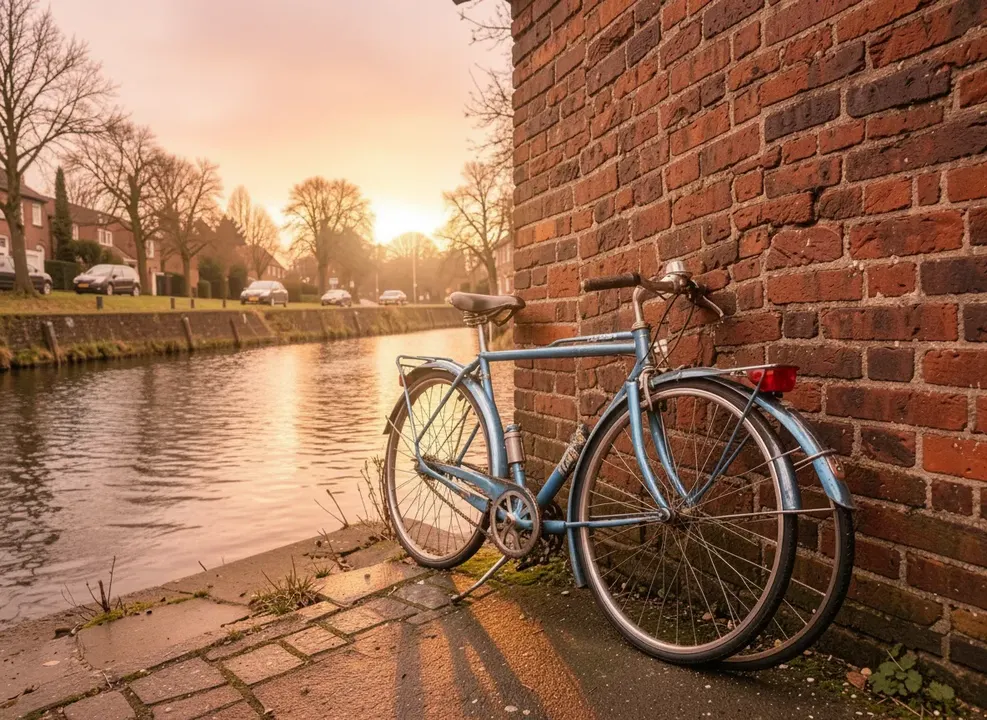
AI Photo Editor
Edit any photo with words: change clothes, add objects, fix lighting, swap seasons or restyle it completely. Nano Banana, GPT Image 2, FLUX Kontext.
 Sample start photo
Background Changer
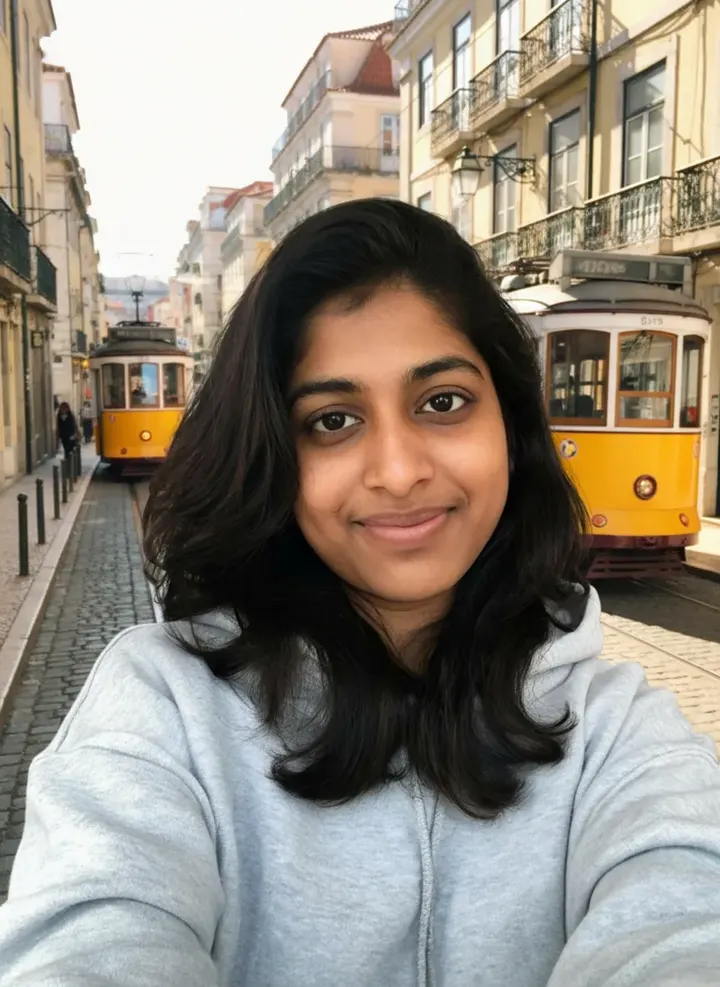
Replace the background of any photo with a new scene. The subject is relit to match, so it looks shot on location, not pasted.