How-to guides
Step-by-step guides for Snap AI Studio tools: what to upload, which settings to pick and how to fix common problems.
Sep 28, 2026 · 2 min read · AI Photoshoot
How to do an AI photoshoot from your selfies
Upload 1 to 4 selfies, pick a setting and an outfit, and get studio, street or beach shots with your face kept. Settings, tips and fixes.

Sep 28, 2026 · 1 min read · AI Product Photos
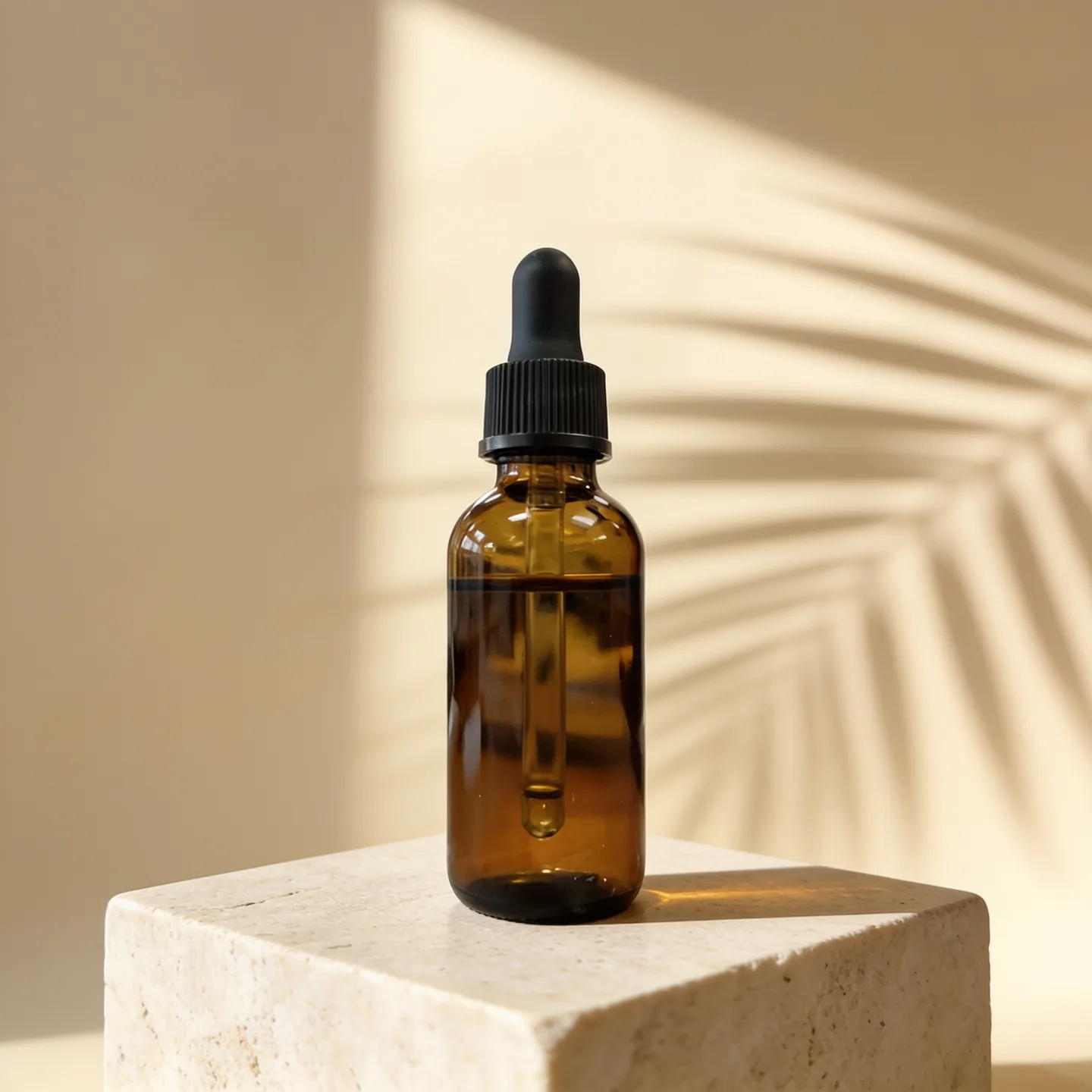
How to make AI product photos from a phone photo
Upload a phone photo of your product, pick a scene and generate studio or lifestyle shots that keep the label and shape. Settings, tips and fixes.
Sep 28, 2026 · 1 min read · AI Headshot Generator
How to make an AI headshot from a selfie
Upload a clear selfie, pick attire and a backdrop, and generate a professional headshot that keeps your face. Settings, tips and fixes.

Sep 28, 2026 · 2 min read · AI Hug Generator
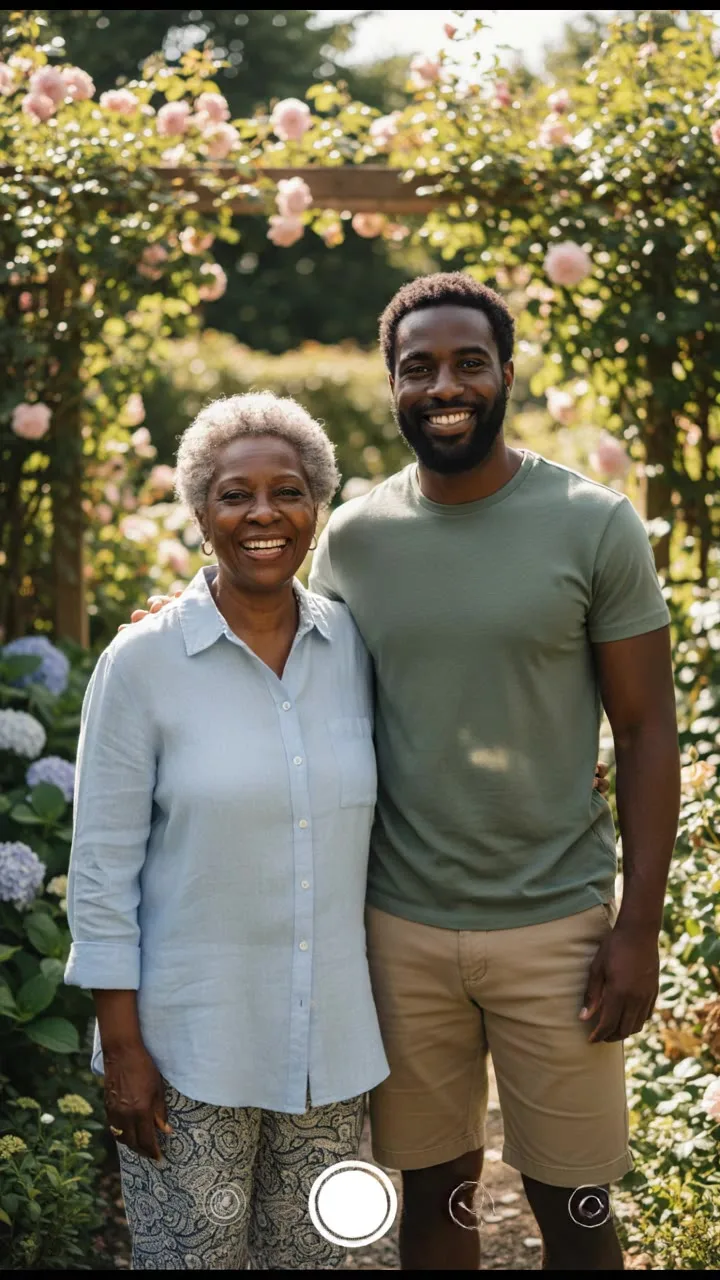
How to make an AI hug video
Turn a photo of two people, or one photo of each, into a short hug video. Pick a hug style and a model, then download the MP4. Tips and fixes included.
Sep 28, 2026 · 2 min read · AI Kiss Video Generator
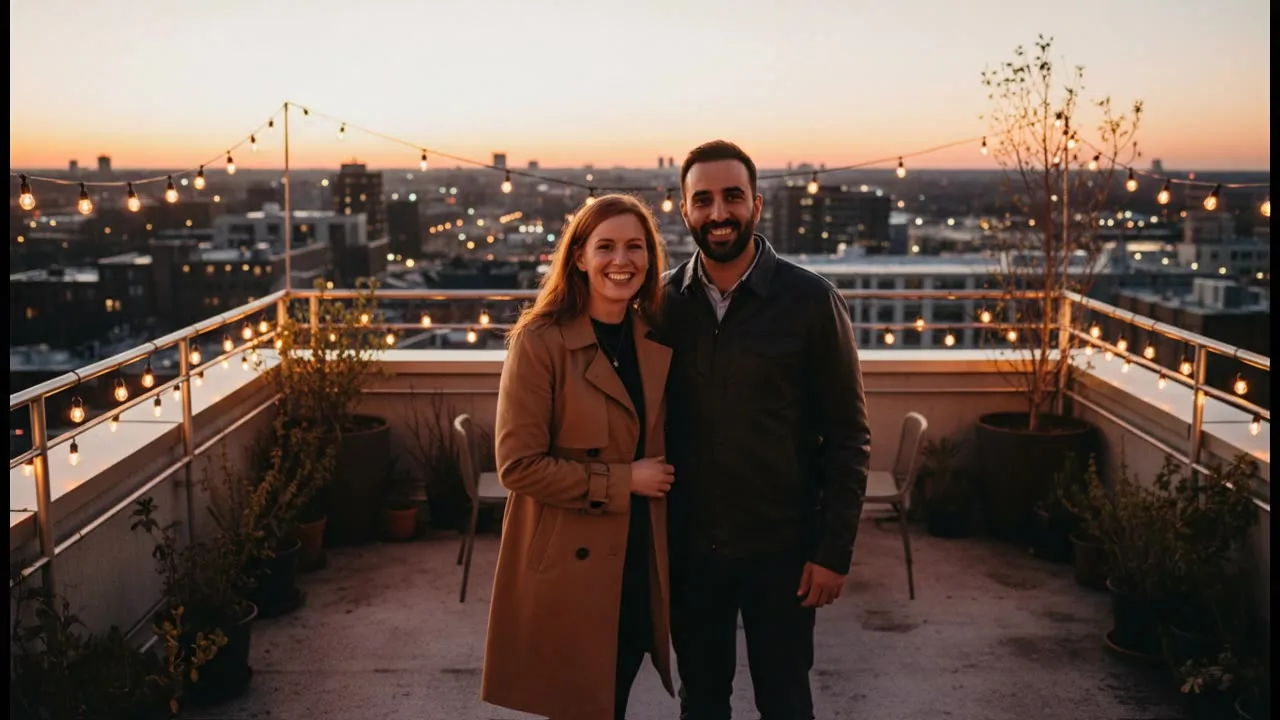
How to make an AI kiss video
Upload a photo of the couple or one photo of each person, pick a kiss style and generate a short video. Settings, tips and fixes for common problems.
Sep 28, 2026 · 1 min read · AI Face Swap
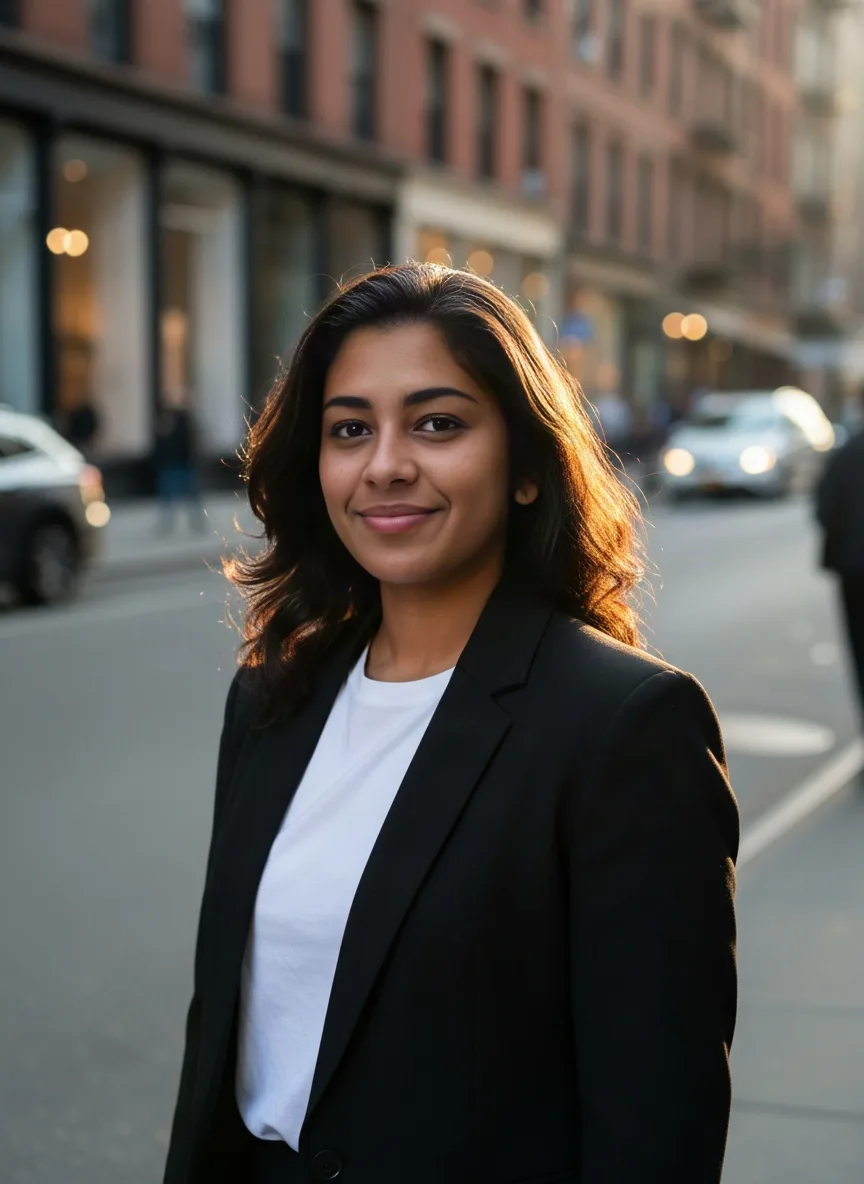
How to swap faces between two photos
Upload the face photo first and the target photo second, then press Generate. No prompt needed. The order that matters, tips and fixes.
Sep 28, 2026 · 1 min read · Image to Video
How to turn a photo into a video
Upload a start frame, describe the motion, pick a model, shape and length, and download the MP4. Settings, tips and fixes for image to video.
Sep 27, 2026 · 1 min read · AI Baby Generator
How to use the AI baby generator
Upload one photo of each parent, pick an age and gender, and generate a portrait of a possible child. Settings, tips and fixes for common problems.