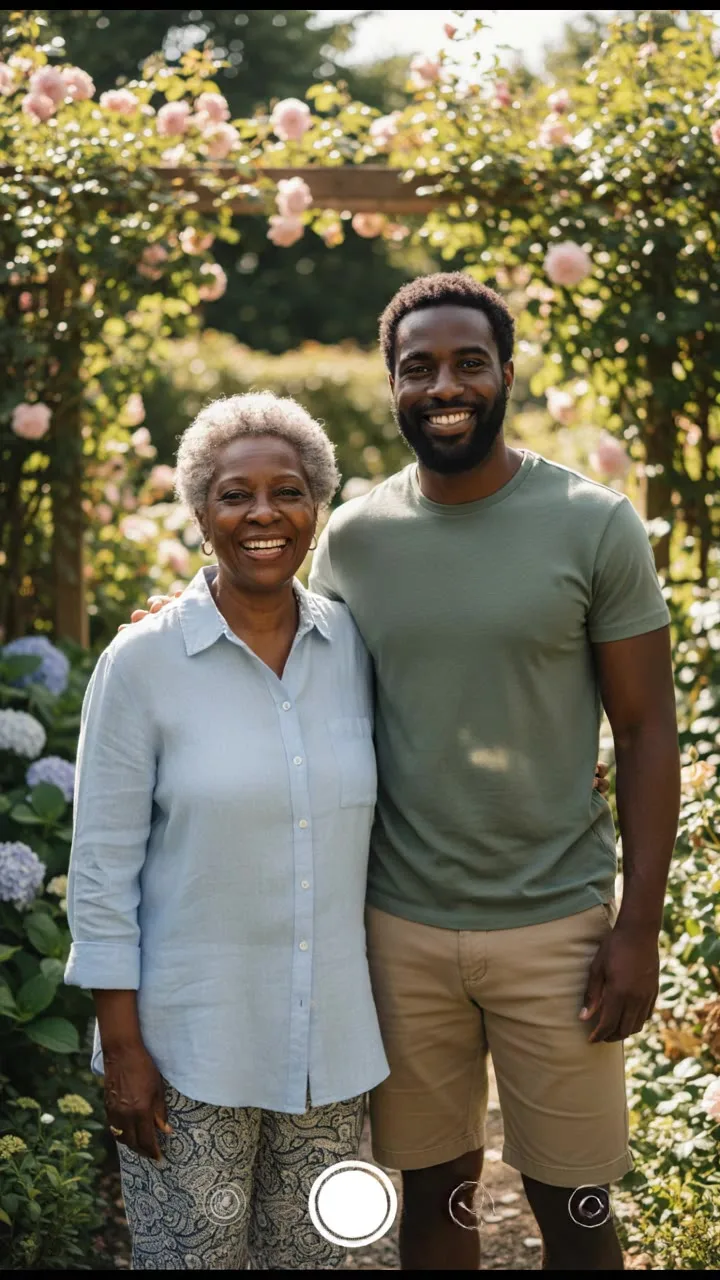
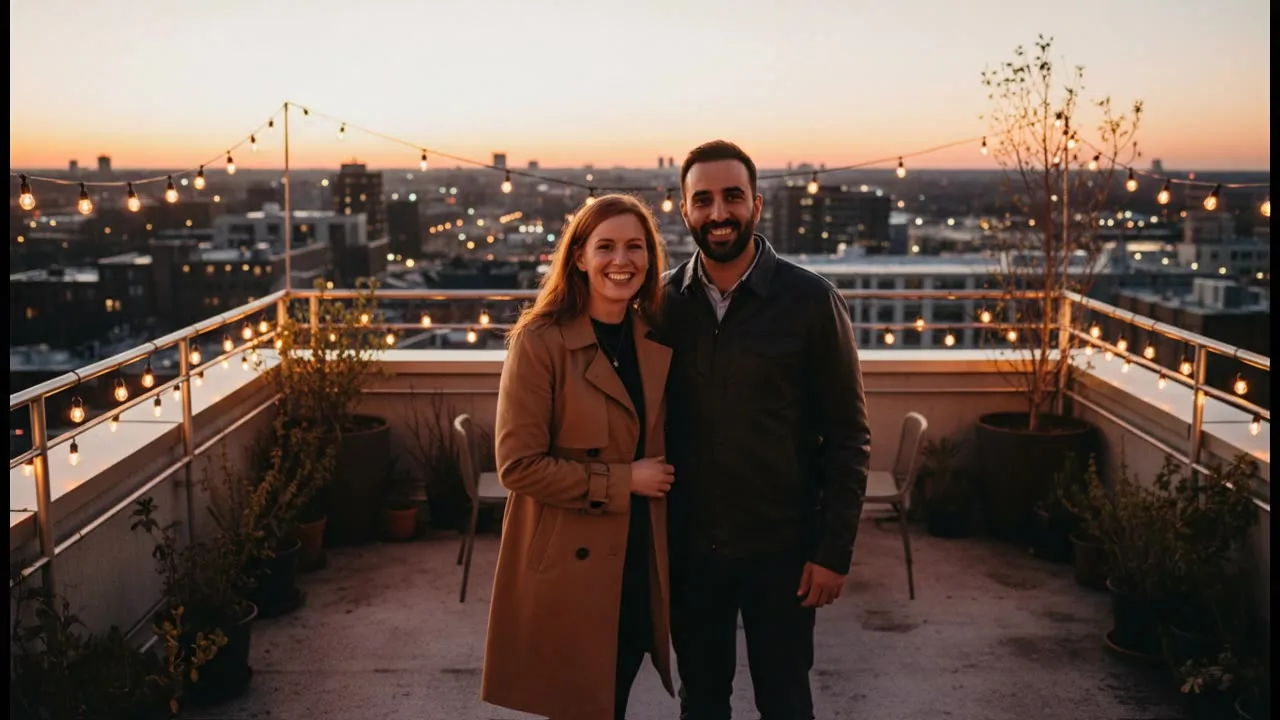
The AI Hug Generator turns a photo of two people into a short video of them embracing. People use it to hug family who live far away, old friends, and their own younger selves. It works from one photo with both people or from one photo of each.
Note
Only use photos of people who have agreed to it. For someone who has passed away, use photos the family is comfortable with.
Troubleshooting
- The message says "The model's safety filter rejected this request"
- The model provider refused the request, and the credits are refunded up to a daily limit. Veo 3.1 Lite refuses some real-person photos, so switch to Kling 3.0 Standard and try again.
- A Seedance 2.0 Fast video fails with a photo of a real person
- Seedance 2.0 Fast rejects start frames with realistic faces. The failed job is refunded like any other; use Kling 3.0 Standard for photos of people.
- The message starts with "This request was blocked"
- Our own check stopped the request before it started, so no credits were taken. The link in the message explains the rule.
- Black bars at the top and bottom of a Veo video
- Veo 3.1 Lite letterboxes a start frame whose shape differs from the video. Crop the photo to the aspect ratio you picked before uploading, or use Kling 3.0 Standard.
- The upload says "File is too large" or "Unsupported file type"
- Use a PNG, JPEG or WebP under the size limit shown in the message. A scan of an old photo is often very large, so export a smaller JPEG first.
- The generation failed
- The credits are refunded automatically and the result card says so. Try again or pick another model.