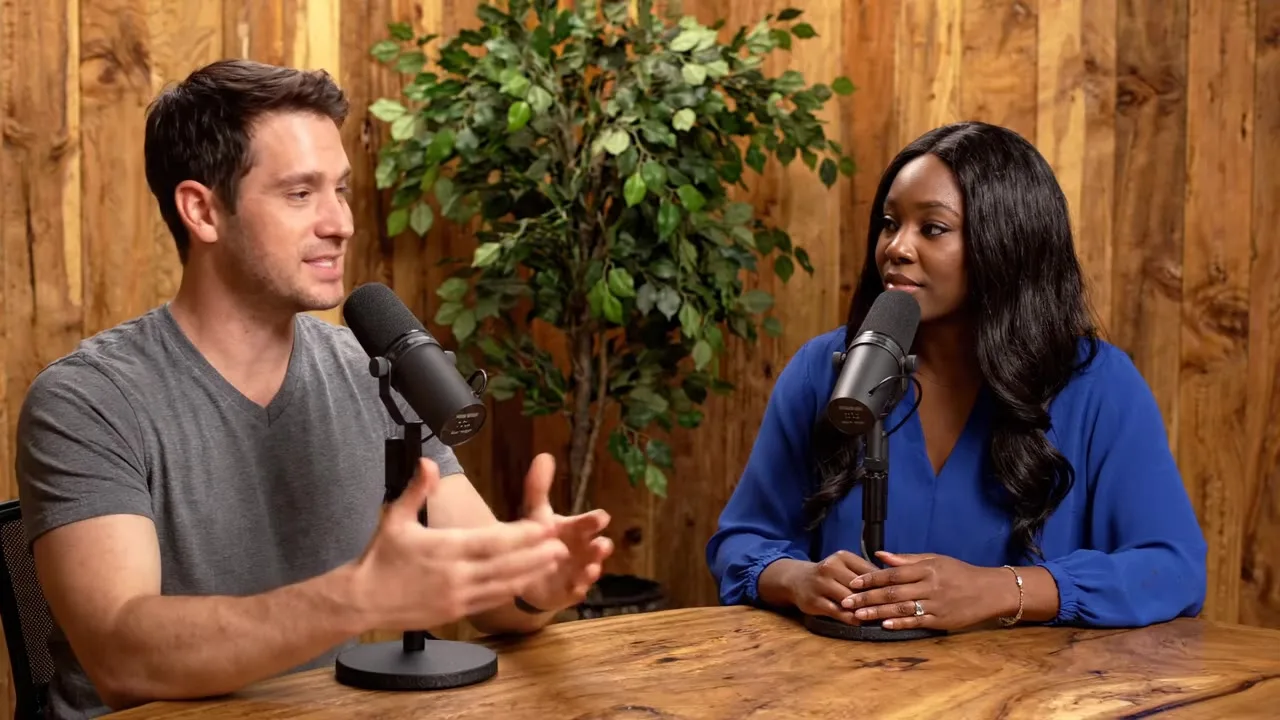
AI Podcast Video Generator

Generate a podcast-style video clip with two hosts talking in a studio, with native dialogue on Veo 3.1. Great for teasers and faceless channels.

Start frame (optional)
Prompt sent to the model

Podcast studio video, two hosts at a table with microphones, warm wood studio with plants. Host one says: "" Host two replies: "" Natural conversation, cuts between medium shots, clear studio audio.

Your results appear here

Until you press Generate, this is a sample the tool made.

AI Podcast Video sample made with Veo 3.1 LiteVideo
Sample made with Veo 3.1 Lite, 288 credits

Podcast clips are the most shared format on social. Write two lines of dialogue, pick a studio look, and Veo 3.1 generates the hosts, the set and their voices in one clip.

How it works

  1. Write one line for each host
  2. Pick a studio look
  3. Generate an 8 second clip

Tips for better results

  • Short lines work best. Each host gets about three seconds.
  • Keep the same studio look across clips for a consistent show.
  • For your own real podcast audio, use the lip sync tool instead.

What people make with it

  • Podcast teasers
  • Faceless YouTube channels
  • Explainer shorts

Questions

How much does it cost?

Each generation uses credits from your plan. The exact number shows on the Generate button before you spend anything, and failed generations are refunded automatically. New accounts get free credits to try it.

Can I use the results commercially?

Yes. Paid plans include commercial use of everything you generate, subject to each model provider's content policy.