
AI Headshot Generator

Turn a selfie into a professional headshot for LinkedIn, resumes and team pages. Choose backdrop and attire, keep your real face. No studio needed.

Your photos0/3

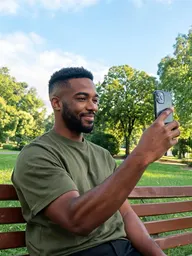
1 to 4 clear photos of the same person. Face visible, good light, no sunglasses.

Prompt sent to the model

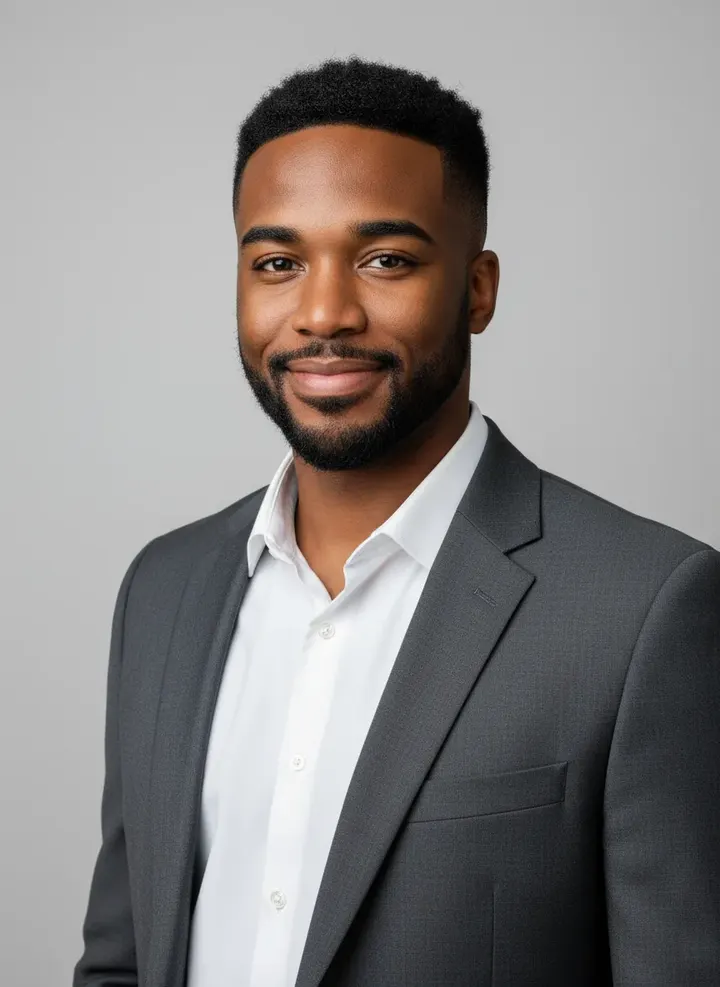
Professional corporate headshot of the person in the reference photos, charcoal blazer, no tie, light gray studio backdrop, head and shoulders framing, soft studio lighting, slight smile, looking at the camera. Keep the exact face, hairstyle and identity. Natural skin texture, sharp eyes, 85mm lens.

Your results appear here

Until you press Generate, this is a sample the tool made.

AI Headshot Generator sample made with Nano BananaGenerated sample photo the tool started fromSample start photo
Sample made with Nano Banana, 60 credits

Examples

Real results from AI Headshot Generator, each labelled with the model and credits it used.

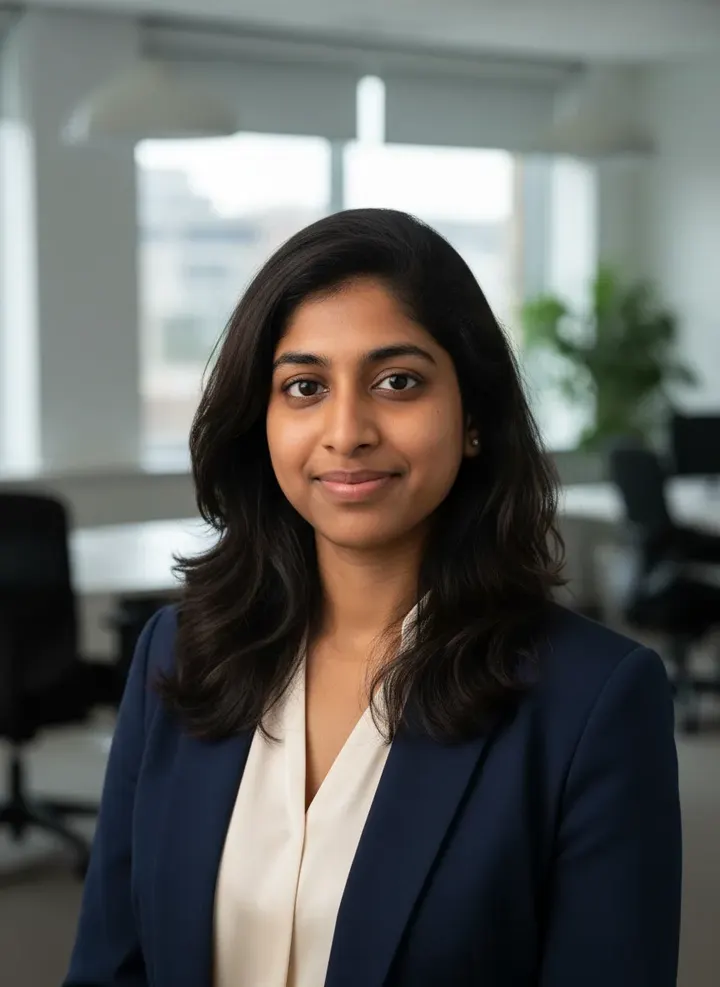
AI Headshot Generator sample made with Nano BananaGenerated sample photo the tool started fromSample start photo
Sample made with Nano Banana, 60 credits
AI Headshot Generator sample made with Nano BananaGenerated sample photo the tool started fromSample start photo
Sample made with Nano Banana, 60 credits

A good headshot needs flattering light, a clean backdrop and the right clothes. The generator handles all three while keeping your real face, so you get a photo that looks like you on a good day, not a different person.

How it works

  1. Upload a clear, front-facing selfie (two or three is better)
  2. Pick attire and backdrop
  3. Generate a few variations and download the best one

Tips for better results

  • Face the camera in your selfie with eyes open and hair how you normally wear it.
  • Generate three or four variations. Small differences in expression matter in headshots.
  • Use the image upscaler on your favorite for a print-ready file.

What people make with it

  • LinkedIn and resume photos
  • Company team pages
  • Conference speaker bios
  • Real estate and agent profiles

Questions

Are AI headshots acceptable for LinkedIn?

Many people use them. The result should look like you, so keep the realistic settings and avoid heavy retouching. If it does not look like you, do not use it.

Do I need a special selfie?

Any sharp, well-lit photo where your face is fully visible works. Phone selfies in daylight near a window are ideal.

Can I make headshots for my whole team?

Yes. Every team member can upload their own selfie and use the same attire and backdrop settings for a consistent look.

What happens to my photos?

Uploads are stored privately in your account and are only sent to the model that runs your job. Nothing is shared to the public gallery unless you choose to share it.

How much does it cost?

Each generation uses credits from your plan. The exact number shows on the Generate button before you spend anything, and failed generations are refunded automatically. New accounts get free credits to try it.