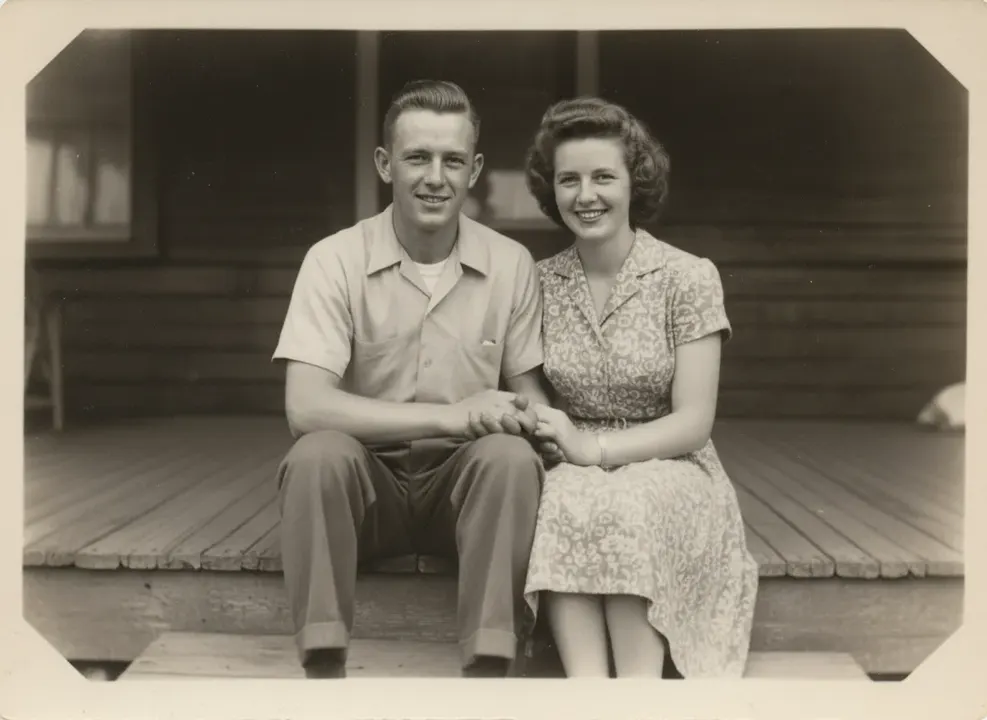
Old photos fade, crack and collect scratches. Upload a scan or a phone photo of the print and the model repairs the damage, restores contrast and sharpens faces without inventing new people.
How it works
- Scan the photo, or photograph it flat without glare
- Choose whether to colorize
- Generate and download the restored version
Tips for better results
- Photograph prints in daylight, straight on, to avoid glare and skew.
- Restore first, then animate with the old photo animation tool.
- Upscale afterwards for a print-ready file.
What people make with it
- Family history and albums
- Memorial displays
- Gifts for parents and grandparents