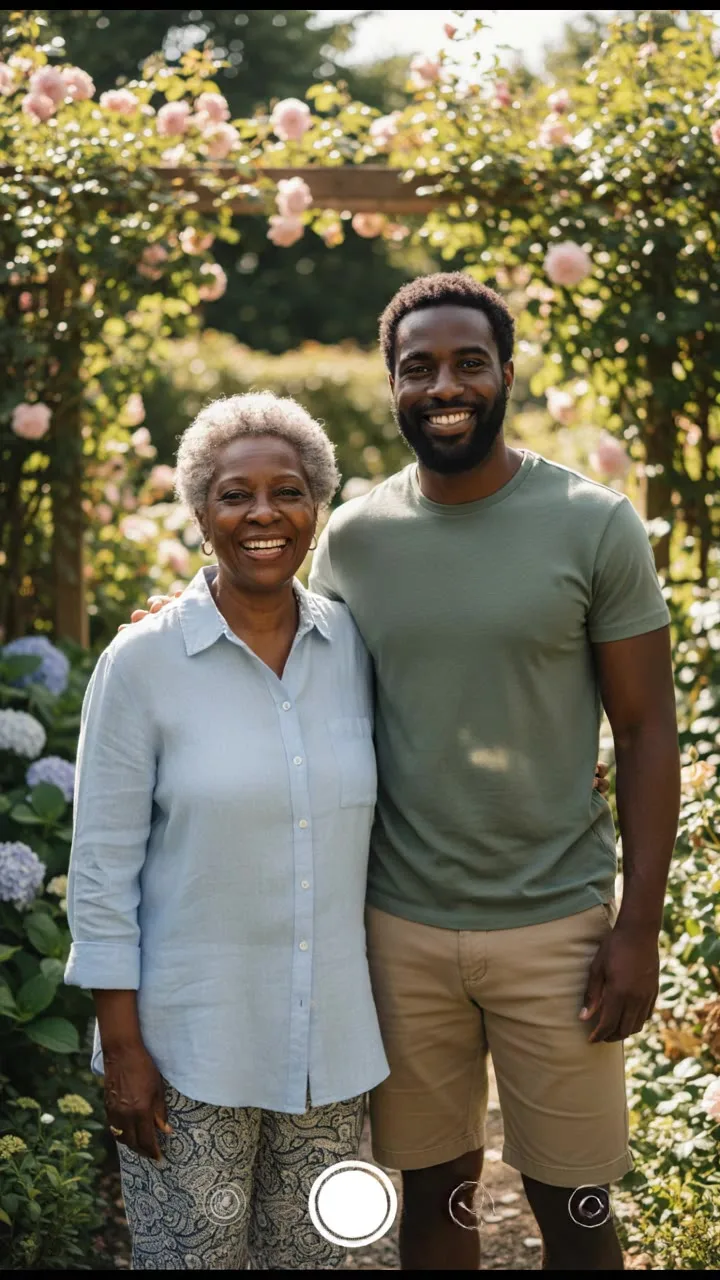
The AI Hug Generator turns one photo of two people, or one photo of each, into a short video of them embracing. The most popular idea is hugging your younger self, but it works for any two people who cannot easily be in the same place. Below are seven ideas, the photos each one needs, and which of the four hug styles fits it.
1. Hug your younger self
Upload a childhood photo and a recent photo of yourself. The tool combines the two into one frame, then animates a hug. It works best when both photos show the face clearly and roughly front-on. A school portrait or a clear family snapshot is a better start than a blurry group photo where you are small in the frame.
Hug style: a warm, long hug.
Because a child is in the photo, keep it to what the tool is for: a hug. Photos of anyone under 18 may be uploaded only by a parent or legal guardian, which for your own childhood photo is you.
2. Family who live far away
A parent in another country, a grandparent you see once a year, a sibling who moved away. Use a recent photo of each of you, ideally with similar light. Send the video on a birthday, or just because.
Hug style: a joyful hug with a little spin.
3. An old family photo
Old prints are full of people who never got a photo together: grandparents as young adults, relatives from different sides of the family. Scan or photograph the print straight on, run damaged photos through the photo restorer, and then use the restored version in the hug tool.
If you have one photo of two people and only want gentle movement, the animate old photos tool may suit it better than a hug.
Hug style: a gentle side hug.
4. Friends reunion
Best friends who have not been in the same city in years. Pick photos where both faces are front-on and similar in size. Post it in the group chat before the next reunion.
Hug style: a joyful hug with a little spin.
5. Birthday and holiday messages
A hug video is a short, personal message that does not need words. Pair it with a card or send it on its own.
Hug style: a warm, long hug.
6. A memorial tribute
Some people use hug videos to remember someone who has died: a parent they lost, a grandparent their children never met. It can be moving, and it can also be hard for others to watch. Keep it private first, and ask close family before sharing it widely.
Hug style: a tearful reunion hug or a gentle side hug.
7. A pet and its person
The prompt is written for two people, so results with animals are less predictable. If you try it, use a clear photo of the pet facing the camera and generate a couple of times.
Match the hug style to the idea
The tool offers four styles, and each changes the motion the video model is asked for:
| Hug style | Suits |
|---|---|
| A warm, long hug | Younger self, birthdays, family |
| A joyful hug with a little spin | Friends, reunions, happy news |
| A gentle side hug | Grandparents, old photos, quiet moments |
| A tearful reunion hug | Long separations, tributes |
Getting the photos right
- Both people facing the camera with similar framing: head and shoulders next to head and shoulders, not a close-up next to a full-body shot.
- Similar light in both photos, so the combined frame does not look pasted together.
- Clear faces. No sunglasses, no heavy filters.
The compose step uses Nano Banana to put both people in one frame, standing side by side, with "same lighting and camera".
The hug itself runs on Kling 3.0 Standard by default, 5 seconds in vertical 9:16. It also offers 10 seconds for twice the credits, and 16:9 or 1:1 if you want a different shape.
Honest limits
- The video is generated, not recorded. Faces can shift slightly as people turn toward each other; generate again if one does.
- Some video models refuse photos of real people, and Veo 3.1 Lite letterboxes start frames that do not match the video's shape. Kling 3.0 Standard is the default for that reason.
- Prompts are checked before credits are taken, and model providers run their own filters. Provider refusals are refunded automatically, up to a daily limit. See why was my generation blocked.
- Use only photos of yourself and people who have agreed, or who you have the right to represent.
For the step-by-step version of the same process, the kiss video guide walks through each setting.