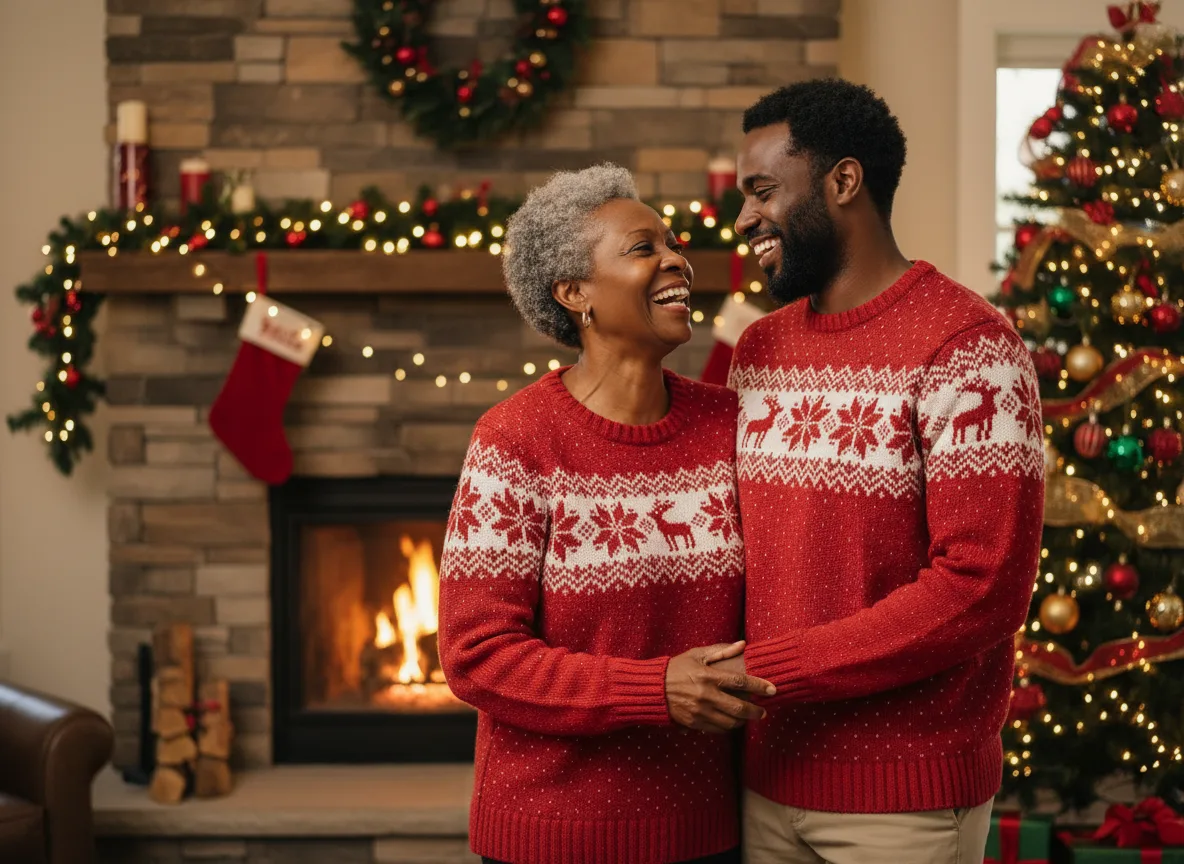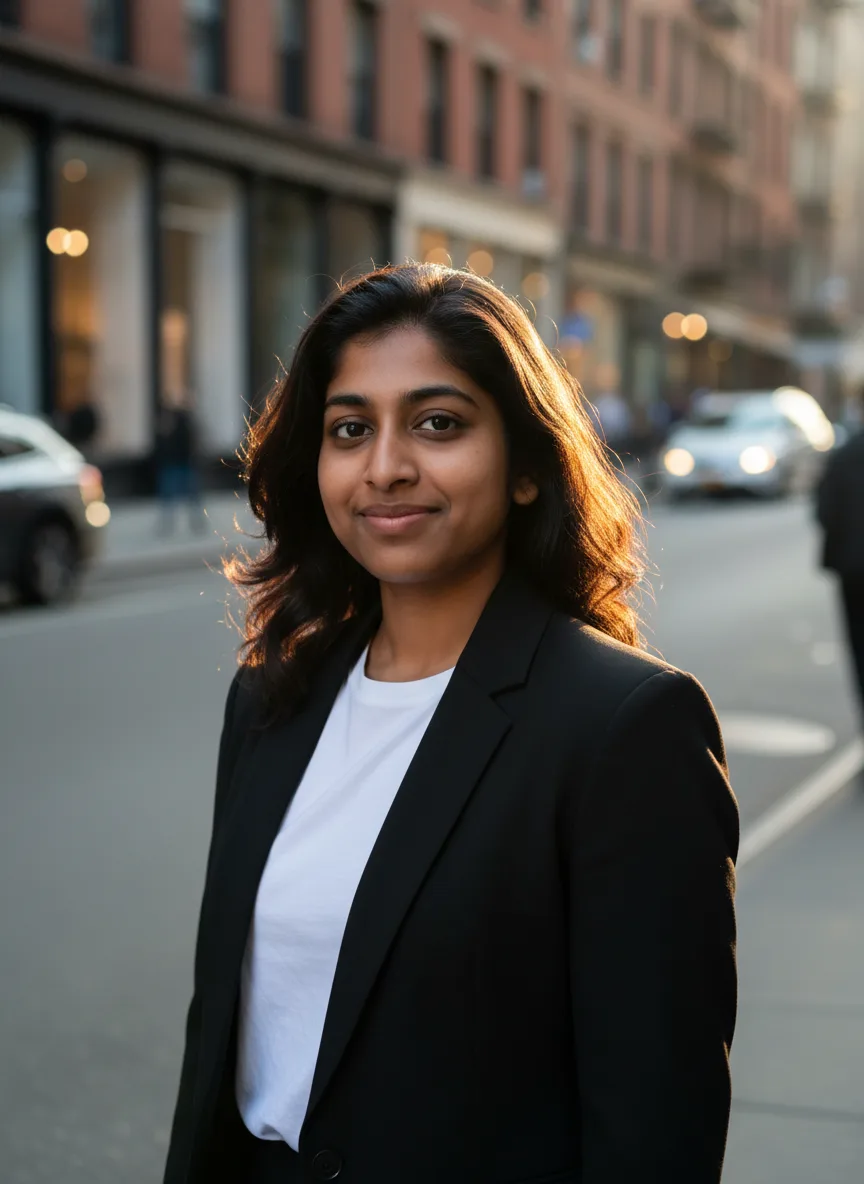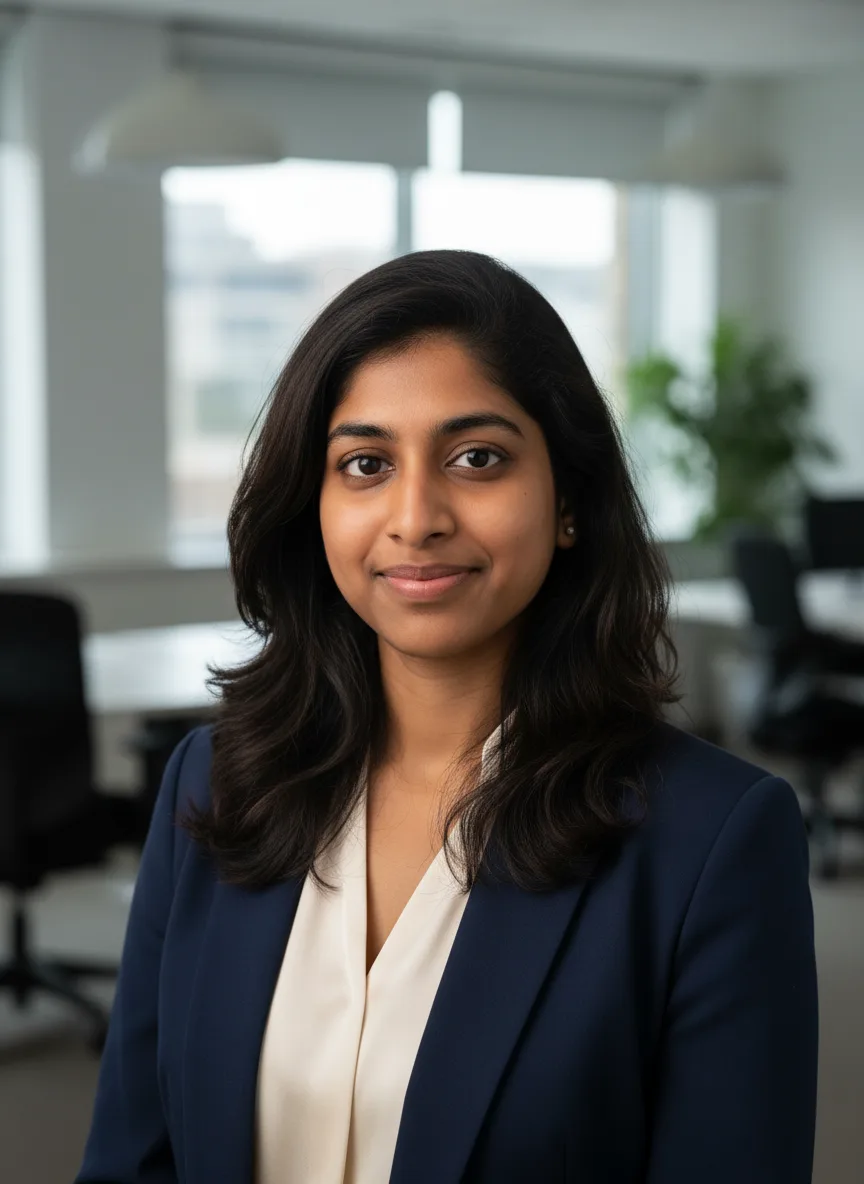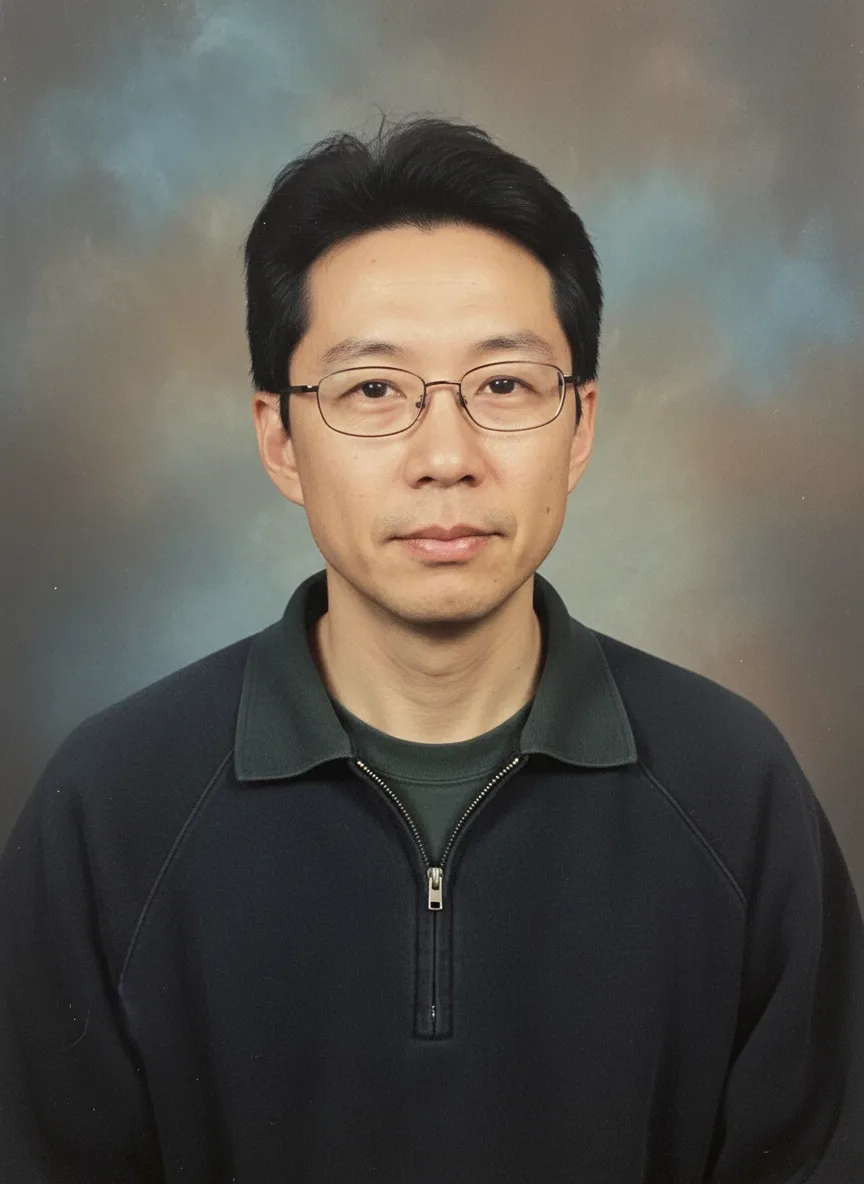
The AI yearbook trend is simple: you upload a selfie, pick a decade, and get back a school portrait of yourself as a student from that era, with the hair, the clothes, the mottled backdrop and the slightly faded print. On Snap AI Studio the AI Yearbook Photos tool does it in one step with four eras to choose from: the 1970s, 1980s, 1990s and early 2000s. The portrait at the top of this page is the 1990s preset.
What the tool asks the model for
There is no prompt to write. The tool sends this, with your era filled in:
"American high school yearbook portrait of the person in the reference photos from the 1990s, era-accurate hairstyle and clothing, classic mottled school portrait backdrop, soft flash, slightly faded film print. Keep the face and identity the same."
Each part does a job. "Era-accurate hairstyle and clothing" is what makes it funny; "mottled school portrait backdrop" and "soft flash" make it read as a real school photo; "slightly faded film print" ages it; and the last line keeps you recognizable under all of that. You can read the exact text under "Prompt sent to the model" before you generate.
The four eras
- 1970s: the earliest decade in the set.
- 1980s: the tool's own tip is that this era gives the biggest hair.
- 1990s: the default, and the one most people start with.
- Early 2000s: the most recent era in the set.
Hair, clothes and color come from what the model associates with each decade, so treat them as a costume, not a history lesson.
Photos that work best
- A clear, front-facing selfie in even light. The school portrait framing is head and shoulders, so your face needs to be sharp.
- A neutral or small smile. A relaxed expression reads more like a real yearbook photo than a big grin.
- No sunglasses or hats. The model will restyle your hair anyway, but it needs to see your face.
- Up to four photos of the same person help keep your likeness. Nano Banana, the default model, takes up to three.
Ways to post it
The four-era carousel. Generate one portrait per era with the same selfie and post them in order, so the swipe from the 70s to the 2000s does the work.
The friend group page. Everyone in the group generates their own portrait in the same era, then you lay them out as a yearbook page. Keep the era the same so the backdrops match.
The reunion invite. Put the class's AI yearbook photos on the invitation for a real reunion. Ask each person to make their own, or get their agreement before using their photo.
The birthday throwback. A friend's portrait "from" the decade they were born in, posted on their birthday.
Then and later. Pair a yearbook portrait with the AI age predictor, which renders you at a chosen age, for a "class of" and "at the reunion" pair.
Going further than the preset
The yearbook tool is set up for the classic school portrait. For other retro looks, the AI Generated Photoshoot tool has concepts such as a 90s film camera flash party and a black and white fine art portrait, and a details field for your own additions.
To write a fully custom version (a different decade, a team photo instead of a portrait, a specific outfit), open the studio, choose Edit photo and start from the prompt above. The photoshoot prompt guide explains which parts to keep.
Honest limits
- Your hair will change. That is the point of the prompt. If you want your own hairstyle in the portrait, add it in a custom prompt in the studio.
- Faces can drift. A soft flash and a faded print leave the model room to smooth features. If the result does not look like you, try a sharper selfie or generate again.
- It is a costume. The era details are the model's idea of the decade, not a reference to a real school or yearbook.
- Other people's photos need their agreement. Photos of anyone under 18 may be uploaded only by a parent or legal guardian.
Every generation shows its credit price on the Generate button before you spend anything, and a failed job is refunded automatically. Running all four eras costs four generations, so try one first and see if you like the look.