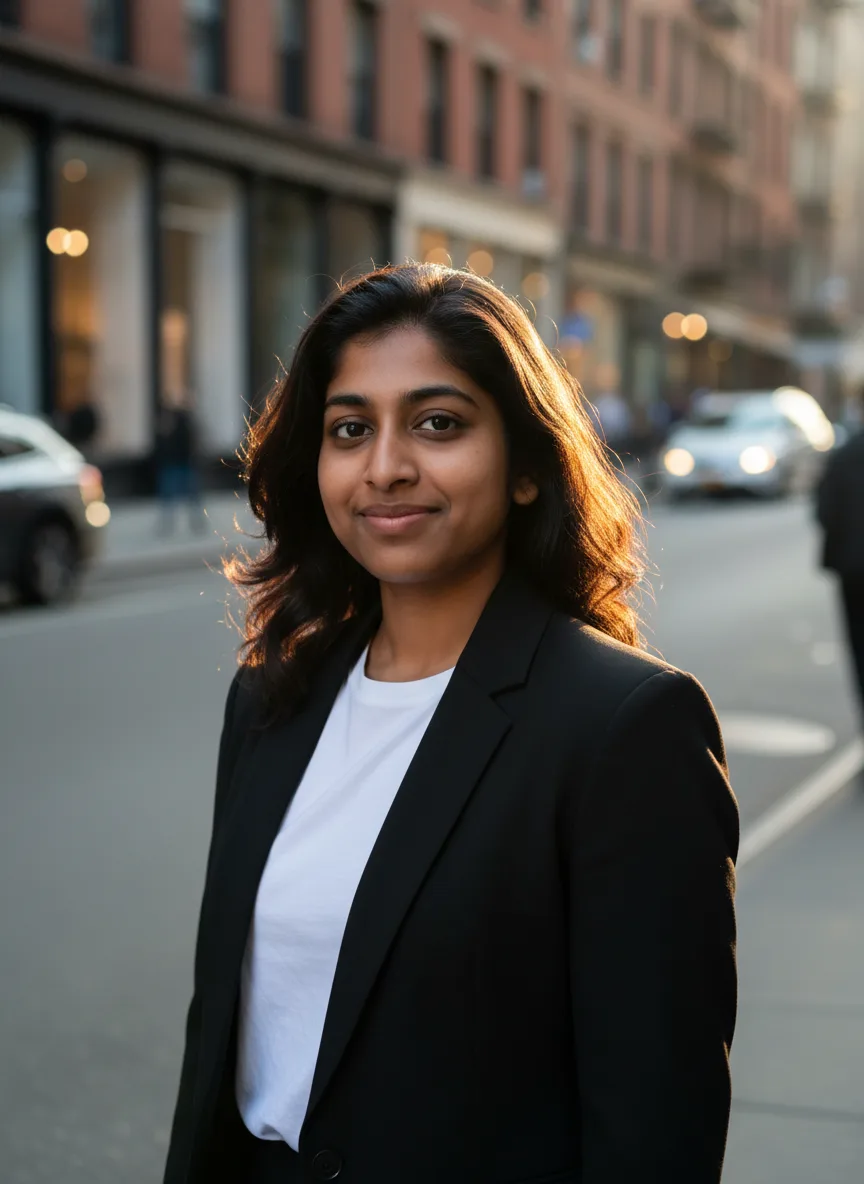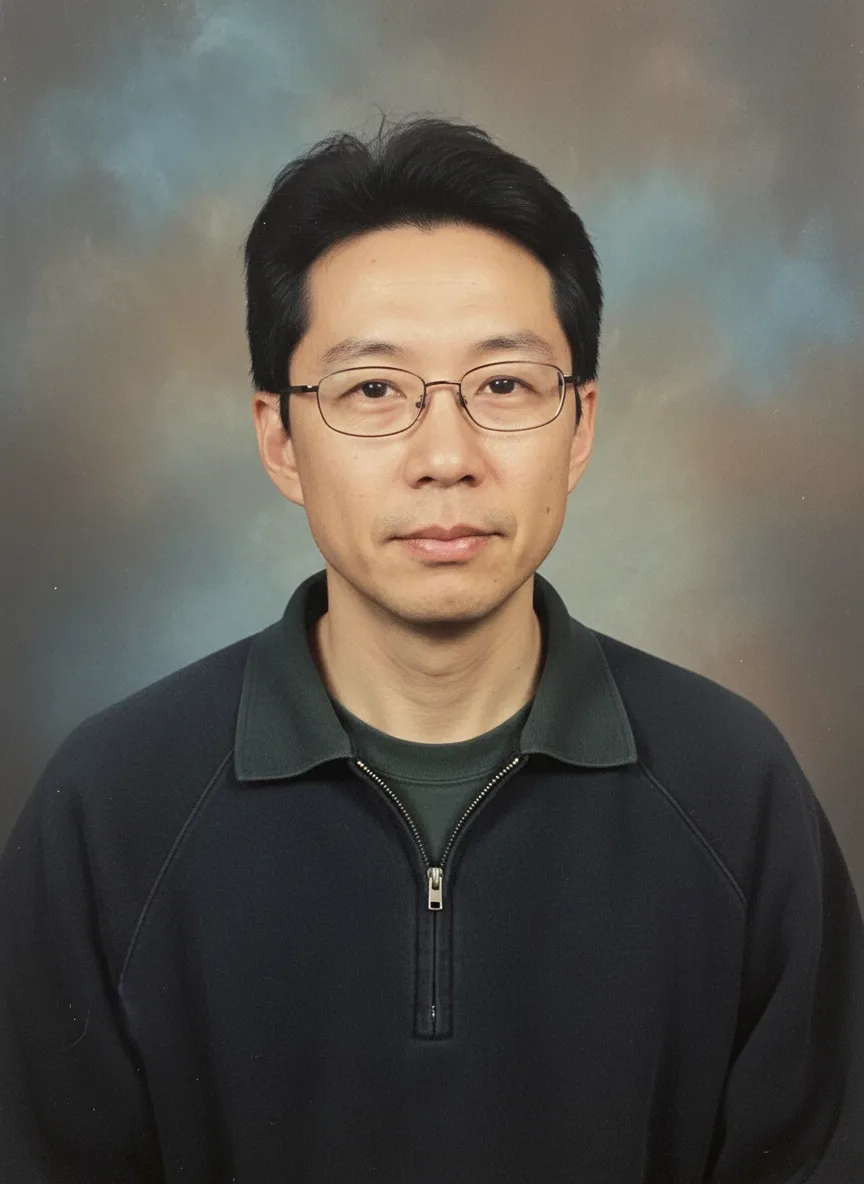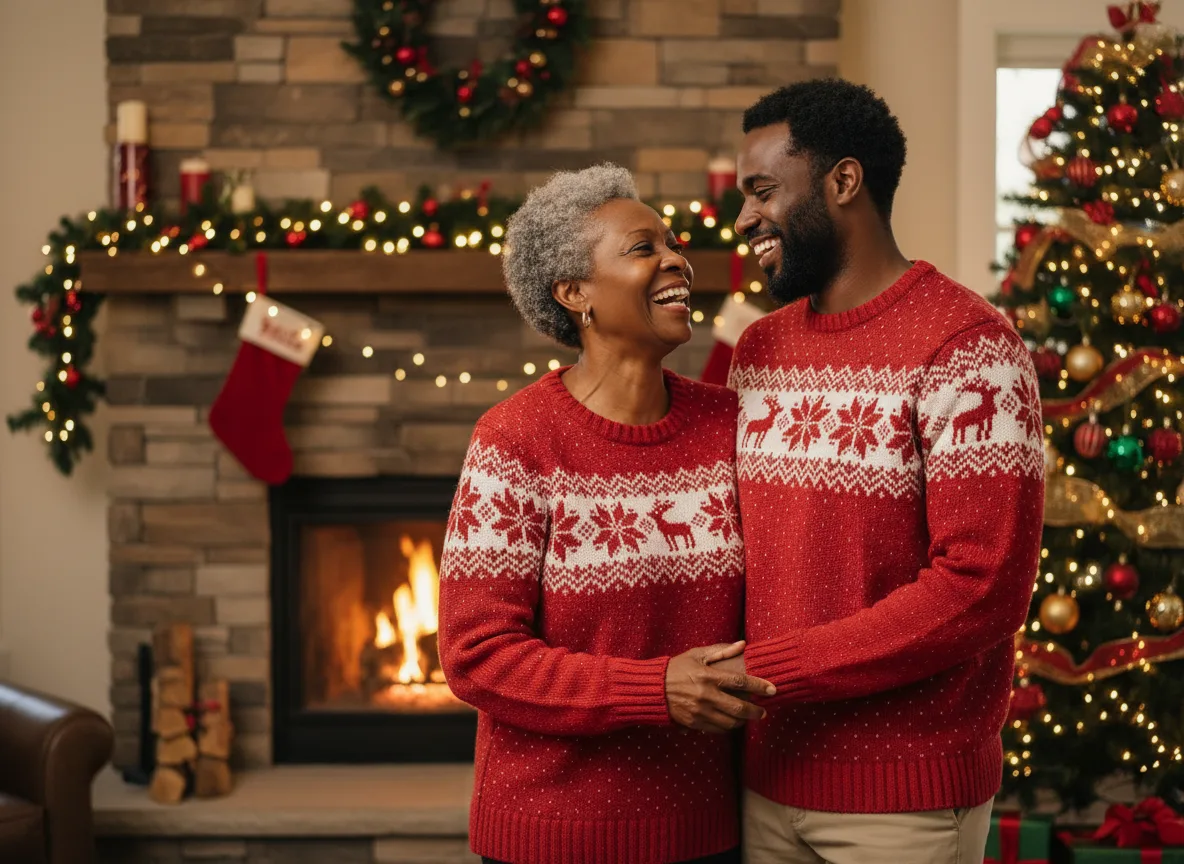
The easiest Christmas photoshoot is the one where nobody has to get dressed up: upload photos you already have to the AI Christmas Photoshoot tool, pick a scene and matching outfits, and get a holiday card photo in a few minutes. The tool has five scenes and four outfit sets, and the ideas below are combinations of them, plus a few twists. The photo at the top of this page used the first idea on the list.
The scenes and outfits
Every idea here is built from these two menus.
| Scene | Outfits |
|---|---|
| In a cozy living room by the fireplace | Matching red knit sweaters |
| Outside a snowy log cabin | Matching plaid pajamas |
| At a European Christmas market at night | Elegant winter coats and scarves |
| In pajamas on Christmas morning | Casual holiday outfits |
| In a winter forest with snow falling |
The prompt adds warm festive lighting with fairy lights and a decorated tree, a joyful candid moment, and a line asking the model to keep every face and identity the same.
Ideas for couples
1. Fireplace and matching sweaters. The classic card: cozy living room, matching red knit sweaters. It is the tool's default and the sample above.
2. Christmas market date night. A European Christmas market at night with elegant winter coats and scarves. It reads like a trip even if you stayed home.
3. Snowy cabin getaway. Outside a snowy log cabin in winter coats. Good for a save-the-date or an engagement announcement over the holidays.
Ideas for families
4. Christmas morning in pajamas. Matching plaid pajamas, Christmas morning scene. The photo every family means to take and nobody manages before the presents are open.
5. Snowfall in the forest. A winter forest with snow falling and casual holiday outfits. A quieter alternative to the living room.
6. The family that could not make it home. Use one photo of each person to put relatives who live apart into one scene. It works best with a small group; the more people, the more likely a face drifts.
7. Gifts for grandparents. Generate one image per grandchild in the same scene and outfits, then print them as a set.
Ideas with pets
8. The pet in the family photo. Add a clear photo of your dog or cat as one of the reference photos, next to the people.
9. The pet on its own. For a portrait of just the pet in a holiday setting, the pet portraits tool is built for animals.
Ideas for friends and work
10. Friends' holiday party. Casual holiday outfits at the Christmas market, one photo per friend.
11. A photo booth strip. For something more playful than a card, the AI photo booth tool makes booth-style shots, useful for a party invitation.
12. Team holiday card. Each person makes their own image with the same scene and outfits, and you lay them out together. Everyone uploads only their own photo.
Getting everyone to look like themselves
- One clear photo per person usually beats one small group photo, because each face is larger.
- Up to four photos. The Christmas tool accepts up to four reference photos. Nano Banana, the default, takes up to three, and the uploader follows the model you pick.
- Similar light across the photos blends better.
- Generate a few. With several people, some frames will have a face that drifts. Keep the one where everyone looks natural.
For a sharper final version, the model menu also has Nano Banana Pro and Seedream models; each shows its credit price.
Sizing for cards and posts
The tool starts at landscape 4:3, which fits most holiday card templates. For an Instagram post, switch to 1:1 or 3:4; for a story, 9:16. Keep the same scene and outfits when you switch so the card and the posts match.
Honest limits
- It is a generated scene, not a photo of a real moment. Faces can drift, and hands and small details are sometimes off. Look closely before you print.
- Use photos of people who agreed to be in the card. Photos of anyone under 18 may be uploaded only by a parent or legal guardian.
- Every generation shows its credit price before you spend anything, and failed jobs are refunded automatically.
For more on writing your own scene, see AI photoshoot prompts that work.