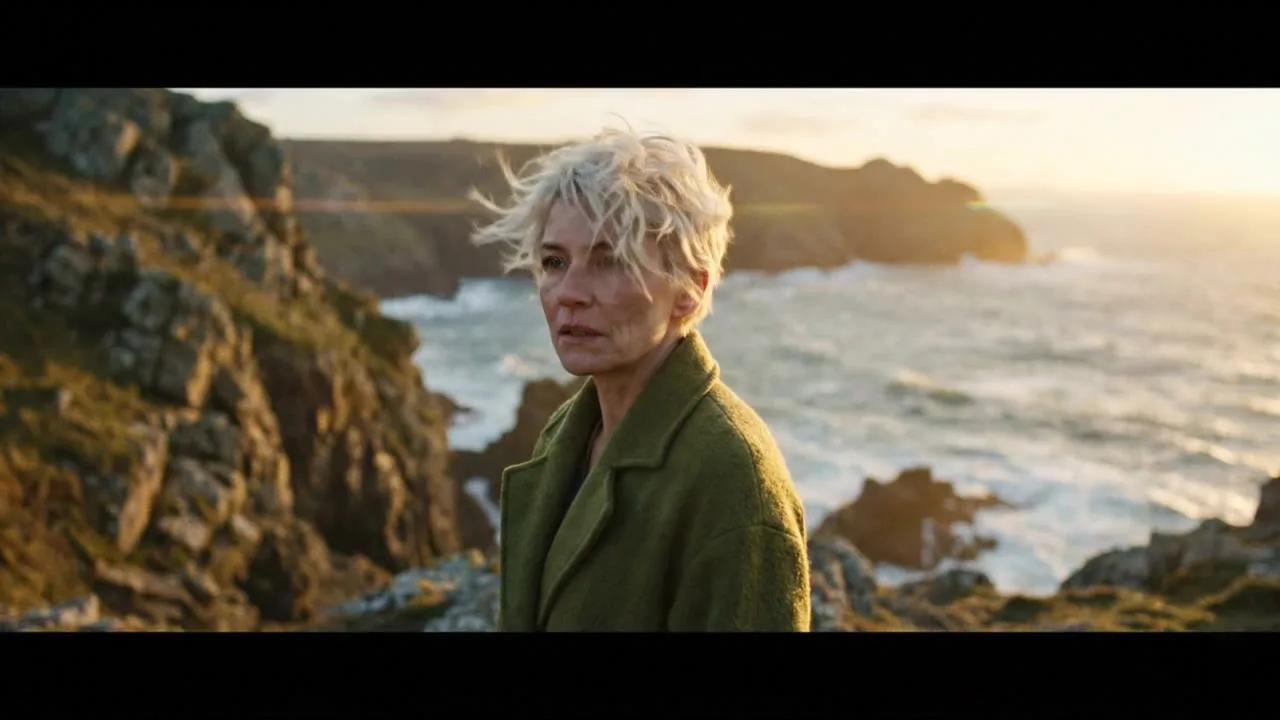
Upload a photo and bring it to life with Kling, Veo, Seedance, Hailuo or Wan. Describe the motion, pick a length and download the MP4.
Start frame
Your results appear here
Until you press Generate, this is a sample the tool made.
Sample start photoVideoSample made with Veo 3.1 Lite, 288 credits
Start from an image you already like and describe how it should move. The image becomes the first frame, so the look stays exactly as you designed it.
How it works
Upload a start frame
Describe the motion and camera
Generate and download
Tips for better results
Describe motion, not appearance. The image already sets the look.
Small, natural movements look most realistic.
Generate the still with an image model first, then animate it here.
What people make with it
Animating product shots
Bringing art and illustrations to life
Social posts from photos
Questions
How much does it cost?
Each generation uses credits from your plan. The exact number shows on the Generate button before you spend anything, and failed generations are refunded automatically. New accounts get free credits to try it.
Can I use the results commercially?
Yes. Paid plans include commercial use of everything you generate, subject to each model provider's content policy.