Pick Veo 3.1 when you are writing a scene from text and want speech or sound in the clip, Kling 3.0 when you are animating a photo of a person, and Seedance 2.x when you want more aspect ratios or a longer take. That is how our own tools are set up: Veo 3.1 Fast is the default for text to video, UGC ads and podcast clips, and Kling 3.0 Standard is the default for kiss, hug, dance, old photo and image to video. This comparison uses only what our model registry says about each model; it does not rank their quality, because the honest way to judge that is to run your own prompt on two of them.
The lineup at a glance
All eight models draw from the same credit balance and are priced per second of video.
| Model | Lengths | Aspect ratios | Start photo | Default in |
|---|---|---|---|---|
| Veo 3.1 | 4, 6, 8 s | 16:9, 9:16 | Optional | None |
| Veo 3.1 Fast | 4, 6, 8 s | 16:9, 9:16 | Optional | Text to video, UGC ads, podcast video |
| Veo 3.1 Lite | 4, 6, 8 s | 16:9, 9:16 | Optional | None |
| Kling 3.0 Pro | 5, 10 s | 16:9, 9:16, 1:1 | Optional | None |
| Kling 3.0 Standard | 5, 10 s | 16:9, 9:16, 1:1 | Optional | Kiss, hug, dance, old photos, image to video, real estate |
| Seedance 2.0 | 5, 10 s | 16:9, 9:16, 1:1, 4:3, 3:4 | Optional | None |
| Seedance 2.0 Fast | 5, 10 s | 16:9, 9:16, 1:1, 4:3, 3:4 | Optional | None |
| Seedance 2.5 | 5, 10, 15 s | 16:9, 9:16, 1:1, 4:3, 3:4 | Optional | None |
"None" means the model is available in the model menu of the video tools and the studio but is not any tool's first choice.
Veo 3.1: sound and speech from text
Google's Veo 3.1 comes in three tiers that share the same lengths and shapes. The full model is described as the flagship with native dialogue, ambience and sound effects; Fast keeps sound at a lower cost and wait; Lite is the cheapest Veo, still with audio.
We use Veo 3.1 Fast as the default wherever the clip has to speak: the UGC video ad tool writes a script into the prompt, and the podcast tool gives each host a line.
Two limits matter for photo tools:
- Real people. Veo can refuse photos of real people, which is why it is not the default for kiss and hug videos.
- Letterboxing. Veo 3.1 Lite letterboxes a start frame whose aspect ratio differs from the output, so a square photo in a 9:16 video comes back with bars. Crop the photo to the video's shape first.
Kling 3.0: photos of people
Kuaishou's Kling 3.0 comes in Standard and Pro. Standard is described as reliable photo animation and is the default on every tool that starts from a photo of people. Pro is described as cinematic motion and camera control with audio, strong on people. Both make 5 or 10 second clips and add a square 1:1 option that Veo does not have.
Seedance 2.x: more shapes, longer takes
ByteDance's Seedance offers the widest set of aspect ratios of the three families, including 4:3 and 3:4. Seedance 2.0 is described as multi-shot storytelling with stable characters and native audio, 2.0 Fast as the same at lower cost and latency with audio, and 2.5 as the newest, with a 15 second option here.
One limit we have hit in testing: Seedance 2.0 Fast rejects start frames with realistic faces. That makes it a poor fallback for kiss, hug and other photo-of-a-person tools, even though it appears in their model menus. For text to video with no start photo, it does not apply.
What each second costs
Every model card above shows its price per second from the registry. The total for a clip is that price times the length you pick, so a 10 second clip costs twice a 5 second clip on the same model. The Generate button always shows the exact total, and a failed job is refunded automatically. On two-photo tools like kiss and hug, the image model that combines the photos adds its own price on top.
Tip
Draft on a lower-cost tier, then render the keeper on a higher one. Veo 3.1 Lite and Seedance 2.0 Fast are the budget options in their families.
How to choose
- A scene from text, with speech or sound: start on Veo 3.1 Fast.
- Animating a photo of a person: start on Kling 3.0 Standard, move to Kling 3.0 Pro if you want more camera movement.
- A 4:3 or 3:4 video, or a 15 second take: Seedance, since the other two families do not offer those.
- A square video from a photo: Kling or Seedance.
- Lowest cost for a test: the Lite or Fast tier of the family you plan to finish in.
Test on the same prompt
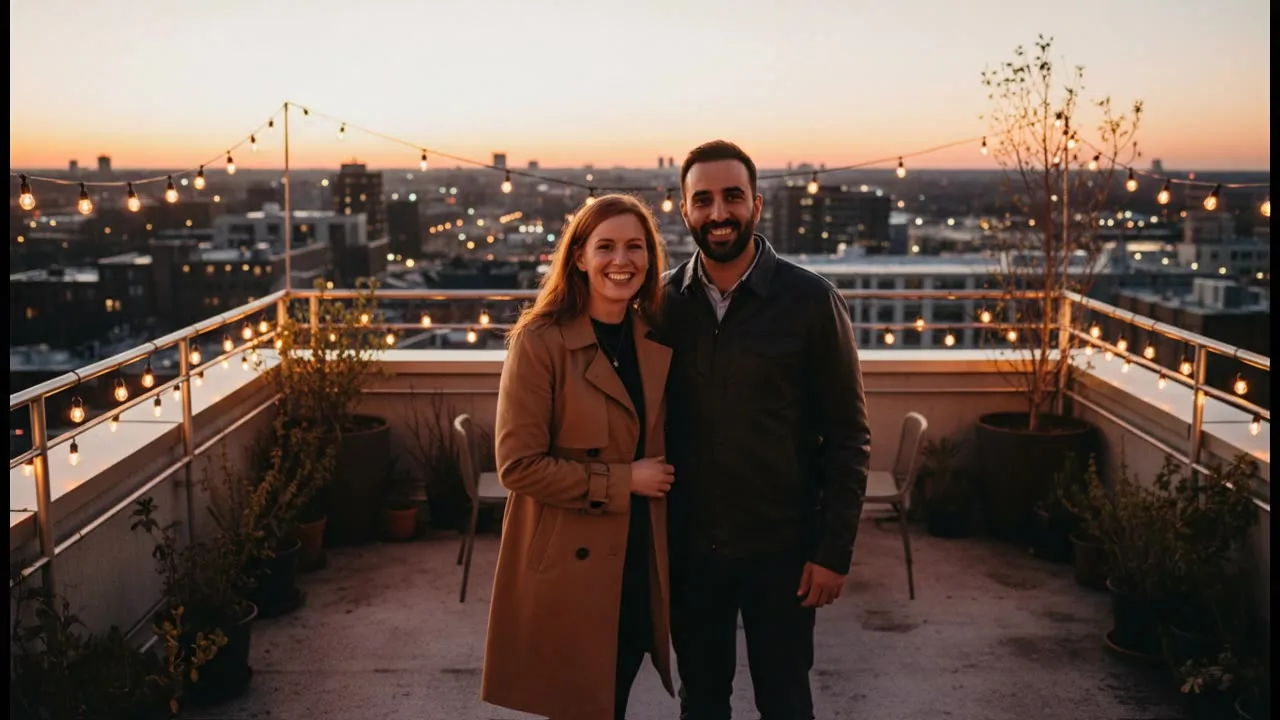
The only comparison that settles it for your idea is your own. Open the text to video tool, write one prompt with a subject, an action, a camera move and a sound, and run it on two models at the shortest length. The sample at the top of this page is one such prompt on Veo 3.1 Lite.
If a model refuses a prompt or a photo, the job shows "Blocked by the safety filter" and the credits are refunded, up to a daily limit. Some models are stricter than others with photos of real people, so trying another model often works.