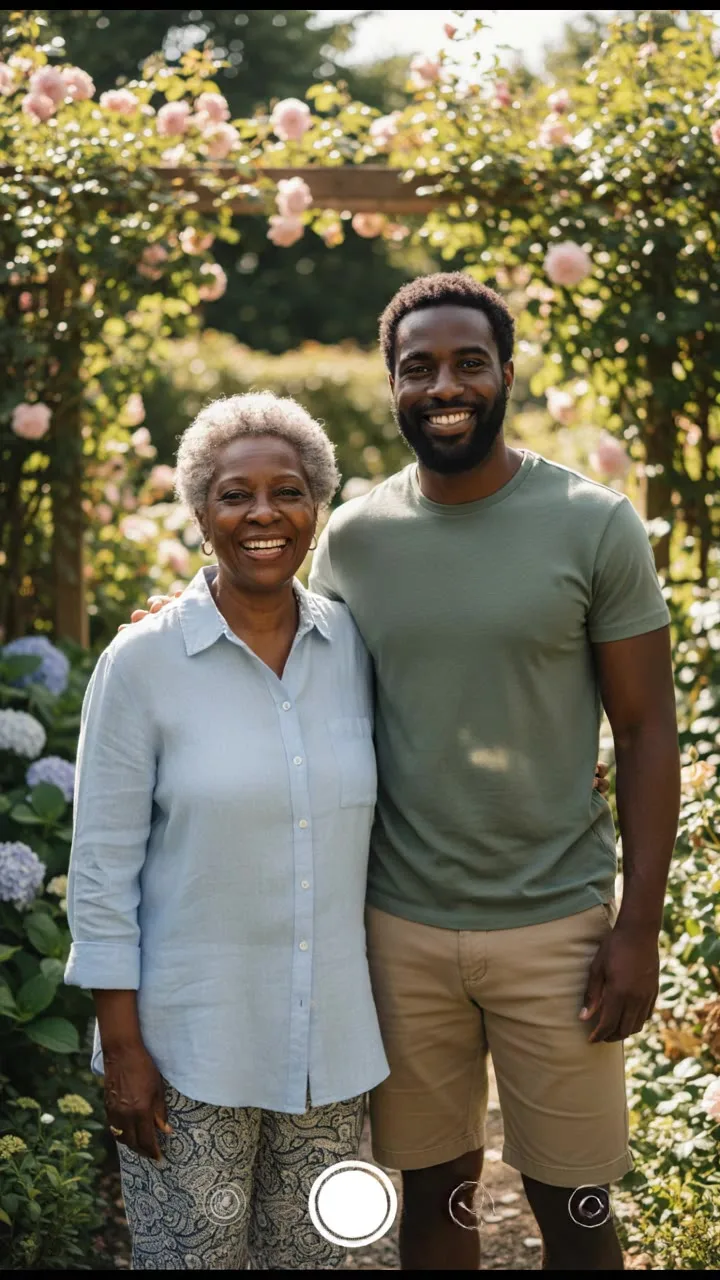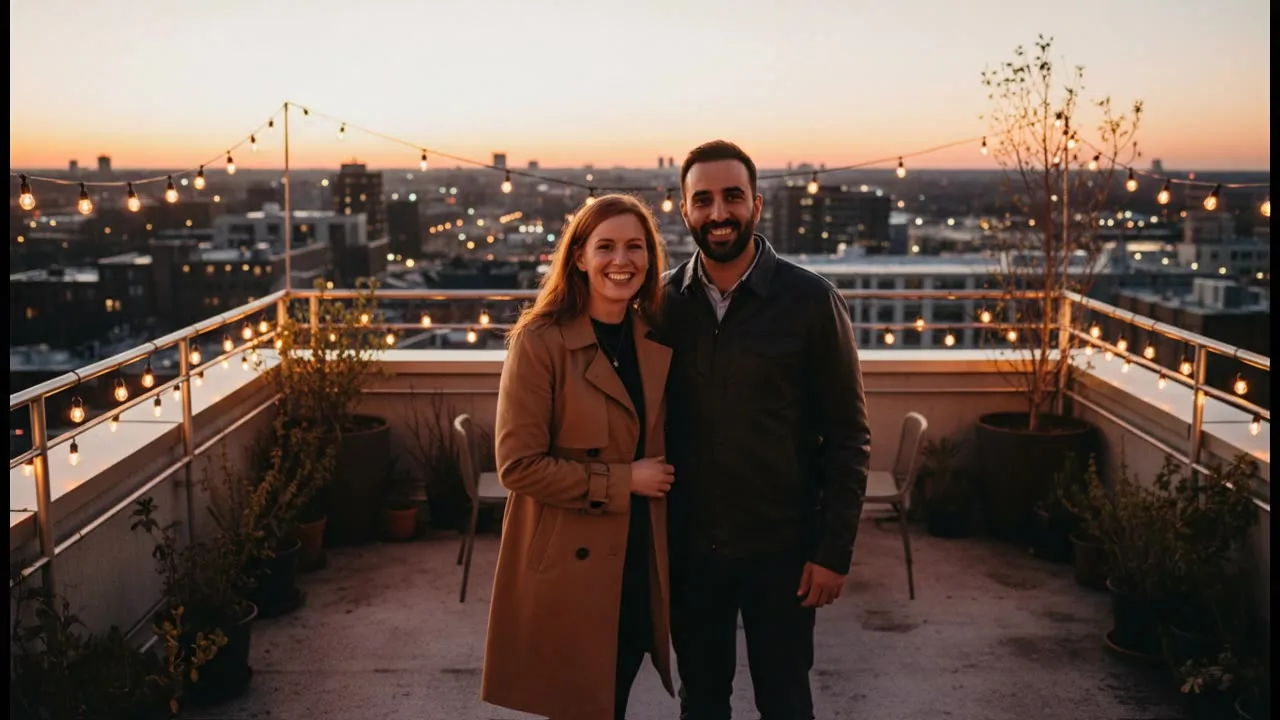
To make an AI kiss video, open the AI Kiss Video Generator, upload one photo of the couple together or one photo of each person, pick a kiss style and press Generate. You get a short vertical video, 5 seconds by default. If you upload two separate photos, the tool first combines both people into one frame and then animates it, and the Generate button shows the price of both steps before you spend anything.
One photo or two
One photo of the couple. The photo goes straight to the video model as the start frame. This is the most direct route and usually the most natural result, because the two people already share the same light and camera.
One photo of each person. Useful when you do not have a photo together, for long-distance couples, or for an old photo of one person and a new one of the other. This route adds a compose step, described below.
In both cases, faces should be clearly visible. Front-facing or three-quarter photos animate more naturally than profiles.
What the compose step does
With two photos, the job runs two models in a row:
- Compose. Nano Banana receives both photos with the instruction to "combine the two people from these photos into one natural, realistic photo of them standing close together, facing each other, same lighting and camera", keeping both faces, hair and clothing as they were.
- Animate. The combined frame goes to the video model with the kiss prompt.
Both costs are taken when the job starts, and a note under the Generate button says "Your two photos are combined into one frame first, then animated." If either step fails, the credits come back automatically.
The compose step works best when the two photos already look alike: similar light, similar distance from the camera, similar angle. A bright outdoor selfie and a dim indoor photo can end up looking pasted together.
Step by step
-
Open the AI Kiss Video Generator. The studio on the page is already set up, so there is no prompt to write.
-
Upload one photo of the couple, or one photo of each person. You are asked to sign in at this point if you have not yet, because uploads are stored privately in your account.
-
Pick a kiss style: a gentle, romantic kiss; a quick playful kiss; a slow movie-style kiss; or a sweet kiss on the cheek.
-
Leave the model on Kling 3.0 Standard for a first try, and check the aspect ratio and duration.
-
Press Generate. The button shows the total credits. The video appears when it is ready, and you can download it.
Choosing a model and a length
Kling 3.0 Standard is the default because it animates people smoothly. It makes 5 or 10 second clips in 16:9, 9:16 or 1:1, and the tool starts at 9:16 for stories and reels.
The model menu lists other video models too. Two things to know before switching:
- Veo 3.1 Lite adds sound and makes 4, 6 or 8 second clips in 16:9 or 9:16. It can refuse photos of real people, and it letterboxes a start frame whose aspect ratio differs from the video, which shows up as bars around the picture. The sample at the top of this page was made with it.
- Seedance 2.0 Fast is a lower-cost option, but it can reject start frames with realistic faces, so it is not a reliable fallback for photos of people.
Video is priced per second, so 10 seconds costs twice as much as 5 on the same model. Start short, and go longer once you like the motion. The video model comparison covers the rest of the menu.
Honest limits
- It is a generated clip, not footage. Faces can shift slightly during the motion, especially on turns. Generate again if the result drifts.
- Letterboxing. Crop your photo to the aspect ratio you pick (for example 9:16) before uploading if you see bars.
- Blocked requests. Every prompt is checked before credits are taken, and model providers run their own filters on photos. Some are stricter with real people than others. A provider refusal is refunded automatically, the first 3 in any 24 hours. Why was my generation blocked explains the details.
Consent comes first
Only upload photos of yourself and people who have agreed to it. Tools that put two people together need the consent of every adult pictured, and romantic content involving anyone under 18 is never allowed. Do not make kiss videos of strangers, exes or public figures. The full rules are in what you can create.
Ideas that work well
- Anniversary and Valentine's surprises
- Save-the-date videos
- Animating an old couple photo (run a damaged photo through the photo restorer first)
- Long-distance couples who have no photo together yet
For something less romantic, the AI hug video ideas use the same two-photo process with a hug instead of a kiss.