AI Photoshoot

Upload a few selfies and get a professional AI photoshoot in any setting: studio, street, beach or editorial. Every top image model, one credit pool.

Your photos0/3

1 to 4 clear photos of the same person. Face visible, good light, no sunglasses.

Prompt sent to the model

Professional photoshoot of the person in the reference photos, clean white studio backdrop, soft key light. Keep their face, identity and hair exactly the same. Shot on a full-frame camera, 85mm lens, natural skin texture, magazine quality.

Your results appear here

Until you press Generate, this is a sample the tool made.

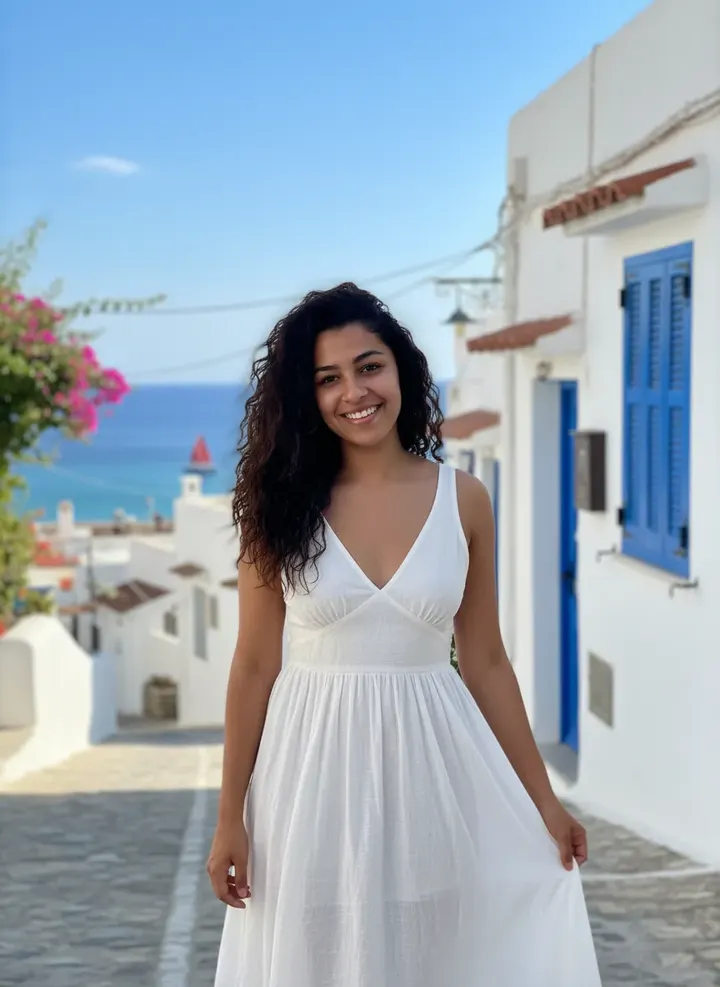
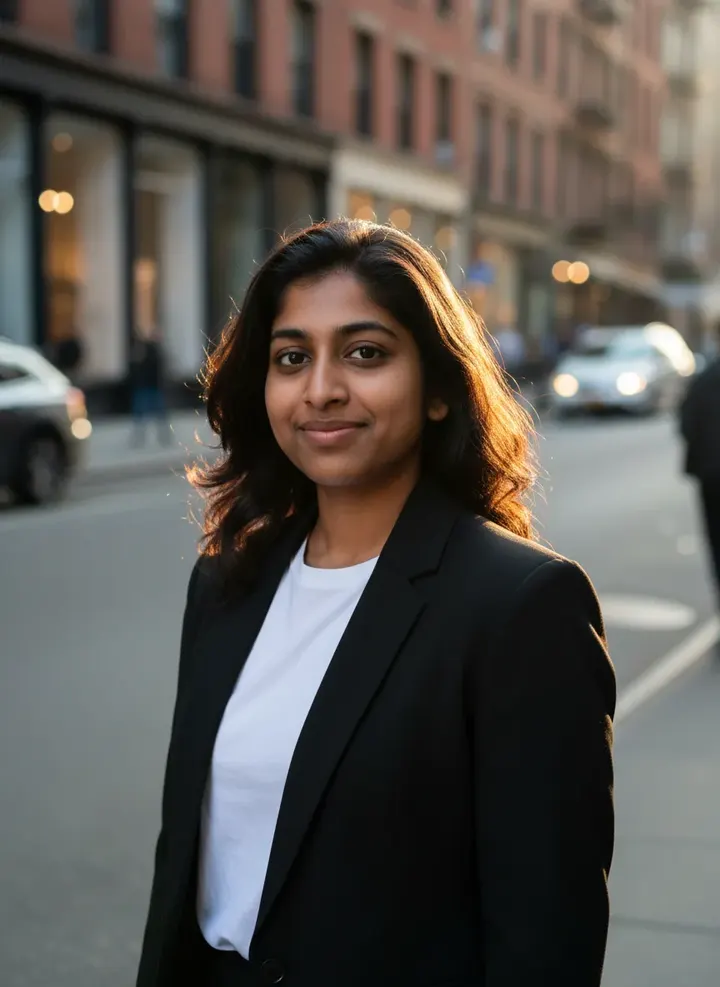
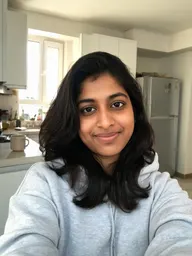
AI Photoshoot sample made with Nano BananaGenerated sample photo the tool started fromSample start photo
Sample made with Nano Banana, 60 credits

Examples

Real results from AI Photoshoot, each labelled with the model and credits it used.

AI Photoshoot sample made with Nano BananaGenerated sample photo the tool started fromSample start photo
Sample made with Nano Banana, 60 credits
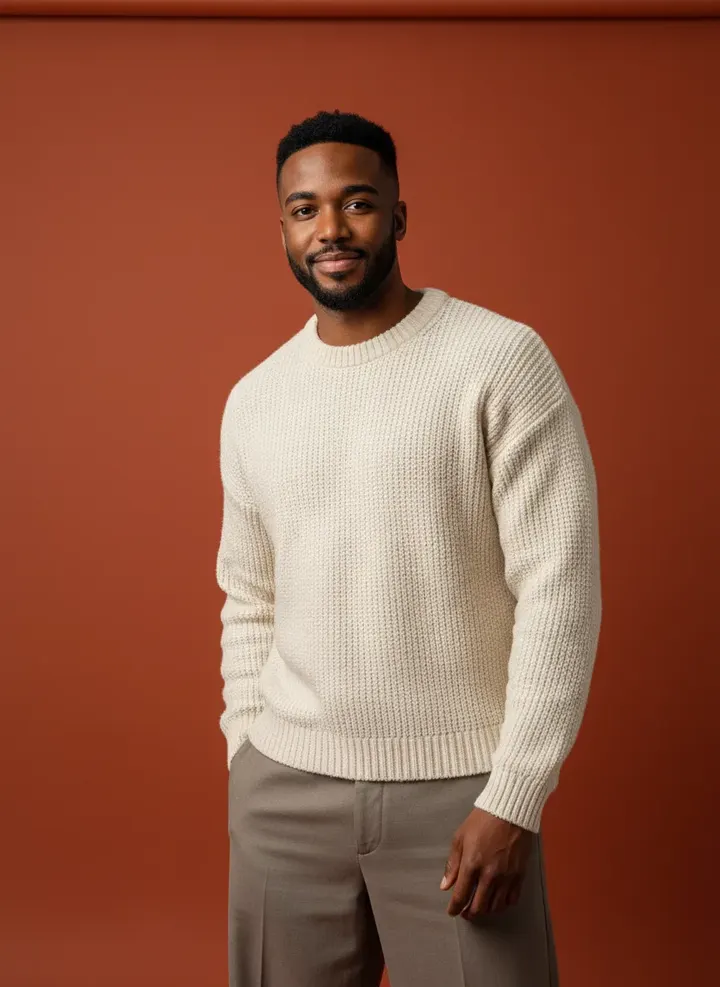
AI Photoshoot sample made with Nano BananaGenerated sample photo the tool started fromSample start photo
Sample made with Nano Banana, 60 credits
AI Photoshoot sample made with Nano BananaGenerated sample photo the tool started fromSample start photo
Sample made with Nano Banana, 60 credits

A photoshoot used to mean booking a photographer, a studio and a free afternoon. Here it takes a few selfies. Pick a setting, describe an outfit if you want one, and the model renders you in it with your face kept intact.

How it works

  1. Upload 1 to 4 clear photos of yourself
  2. Choose a setting and, optionally, an outfit
  3. Generate, then download the shots you like

Tips for better results

  • Use photos with even light and your whole face visible. Sunglasses and heavy filters make identity harder to keep.
  • Run the same setting on two models. Nano Banana keeps faces tight, Seedream adds more cinematic color.
  • Portrait 3:4 suits profile photos. Switch to 9:16 for stories and reels.

What people make with it

  • Profile pictures and social avatars
  • Personal brand shoots for creators
  • Themed sets for birthdays and holidays
  • Testing looks before a real shoot

Questions

Is this an AI photoshoot app or a website?

It runs in your browser on phone or desktop, so there is nothing to install. The studio works the same on mobile.

How many photos should I upload?

One clear selfie works. Two to four photos from different angles give the model more to work with and keep your likeness closer.

Which model is best for an AI photoshoot?

Nano Banana is the default because it keeps faces consistent. Nano Banana Pro is sharper, and Seedream 5.0 Lite is good for full themed sets. You can switch models without changing your settings.

What happens to my photos?

Uploads are stored privately in your account and are only sent to the model that runs your job. Nothing is shared to the public gallery unless you choose to share it.

How much does it cost?

Each generation uses credits from your plan. The exact number shows on the Generate button before you spend anything, and failed generations are refunded automatically. New accounts get free credits to try it.