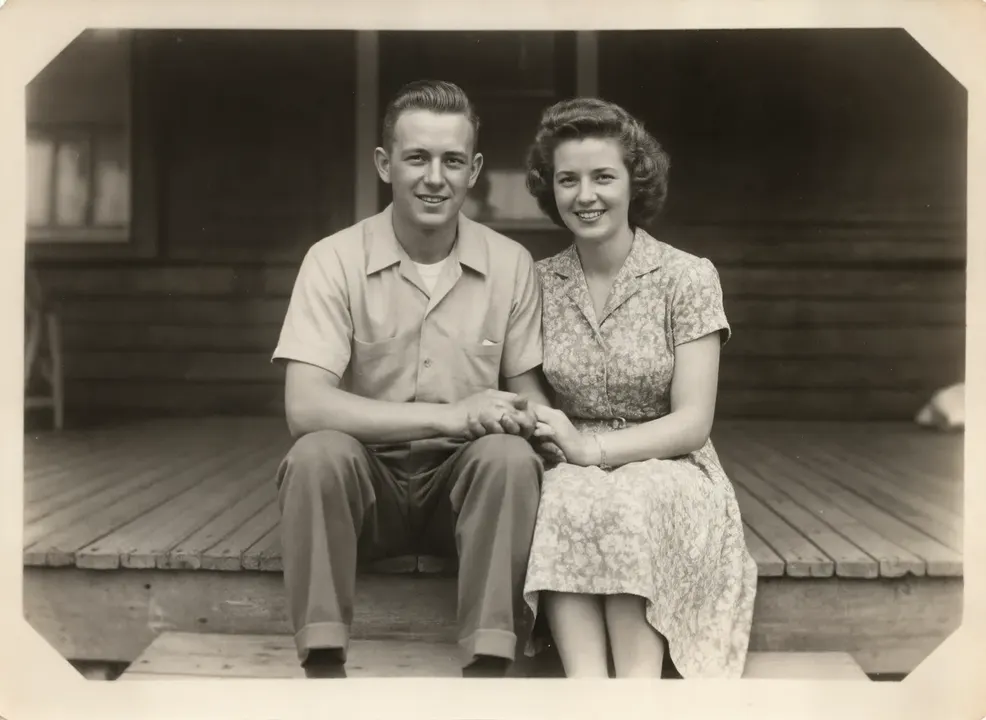
Upscale low-resolution photos and AI images with added detail. Sharper faces, cleaner edges, bigger files for print. Upload and go.
Image to upscale
Your results appear here
Until you press Generate, this is a sample the tool made.
Sample start photoSample made with Clarity Upscaler, 175 credits
Plain resizing makes a small image big and blurry. The Clarity upscaler adds real detail: skin texture, fabric, foliage. Upload an image, optionally describe it, and download a larger, sharper version.
How it works
Upload the image
Optionally describe what is in it
Generate and download the larger file
Tips for better results
A short description helps the upscaler add the right kind of detail.
Run AI generations through it before printing.
For old damaged photos, use the photo restorer first.
What people make with it
Printing photos and art
Fixing small web images
Finishing AI generations
Questions
How much bigger does the image get?
The Clarity upscaler doubles the width and height and adds detail at the same time. It takes images up to 1024 x 1024 pixels (about 1 megapixel), such as AI generations and small web photos, so the result is up to 2048 x 2048. Larger images are turned away before any credits are spent.
How much does it cost?
Each generation uses credits from your plan. The exact number shows on the Generate button before you spend anything, and failed generations are refunded automatically. New accounts get free credits to try it.