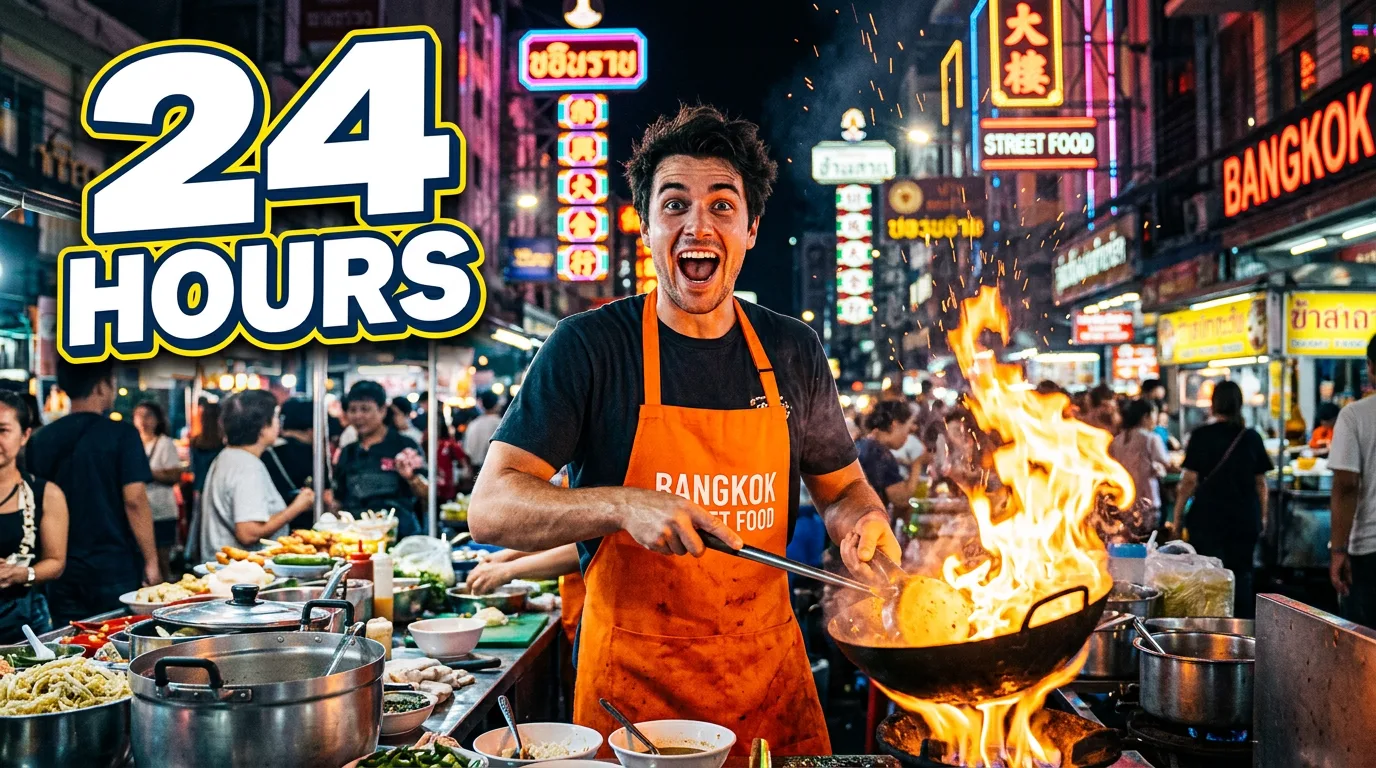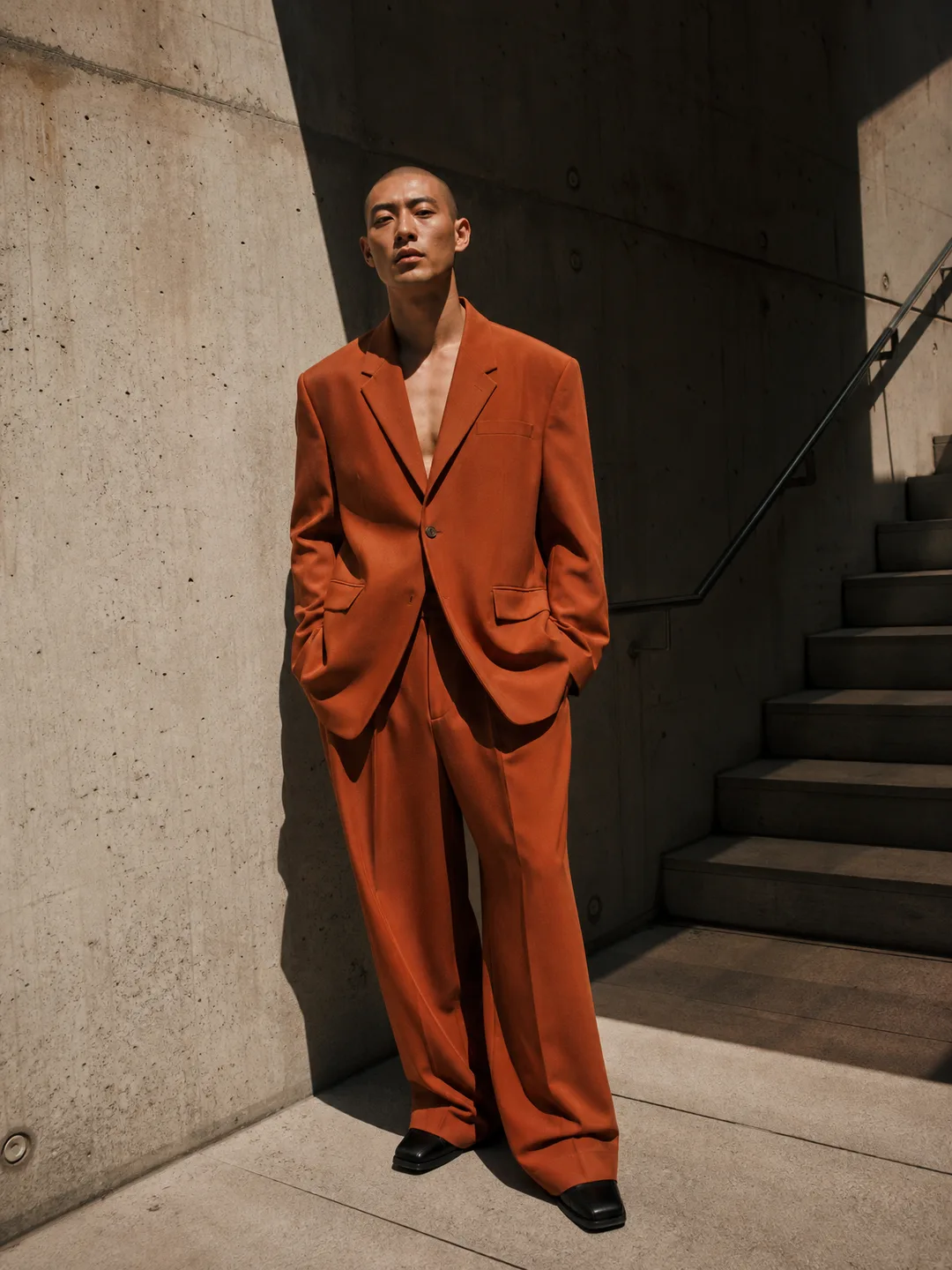
GPT Image 2, OpenAI's image model, is available in Snap AI Studio. It runs on the same credit balance as every other model in the app, so you can put it side by side with Nano Banana, Seedream or FLUX.2 on the same prompt and keep the one that works.
What it is
GPT Image 2 is built around precise instruction following and clean text inside the image. It suits prompts where the details matter: a poster with a headline and a date, a layout with several named elements, or an edit that changes one thing and keeps the rest.
What it is good for:
- Long, precise instructions. Write the prompt as full sentences. The model follows them closely, so say what you want where.
- Posters and typography. Give it the exact words to print. The AI Poster Generator has separate Headline and Details fields for that.
- Multi-step edits with references. Upload up to 6 reference images in the studio and describe how to combine them.
Where it runs in the app
- AI Poster Generator defaults to GPT Image 2.
- Photo tools such as AI Photoshoot, AI Headshot Generator, AI Product Photos, AI Baby Generator, Photo Restorer and YouTube Thumbnail Generator list it in the model menu.
- Design tools: AI Logo Generator, AI Sticker Maker and AI Tattoo Generator list it too.
- AI Image Generator, AI Art Generator and the studio list every image model, GPT Image 2 included.
The sample above was made with GPT Image 2 in the AI Image Generator.
Settings
GPT Image 2 makes images in 1:1, 4:3, 3:4, 16:9 or 9:16, and up to 4 images per run. The price is per image, so 4 images cost four times one; the Generate button shows the total before anything is spent. It accepts up to 6 reference images; a tool that takes fewer photos keeps its own limit.
A cheaper sibling, GPT Image 1 Mini, is also in the app. It is the default in the AI Sticker Maker and works for quick drafts; move to GPT Image 2 when the text or the details have to be right.
Known limits
Failed generations are refunded automatically. Requests rejected by OpenAI's safety filter are refunded up to a daily limit, and prompts that our own check blocks never cost credits. The content policy has the details.
Try it
The AI Poster Generator is set up for GPT Image 2 already: type the headline and the details line, describe the visual, pick a style and press Generate.