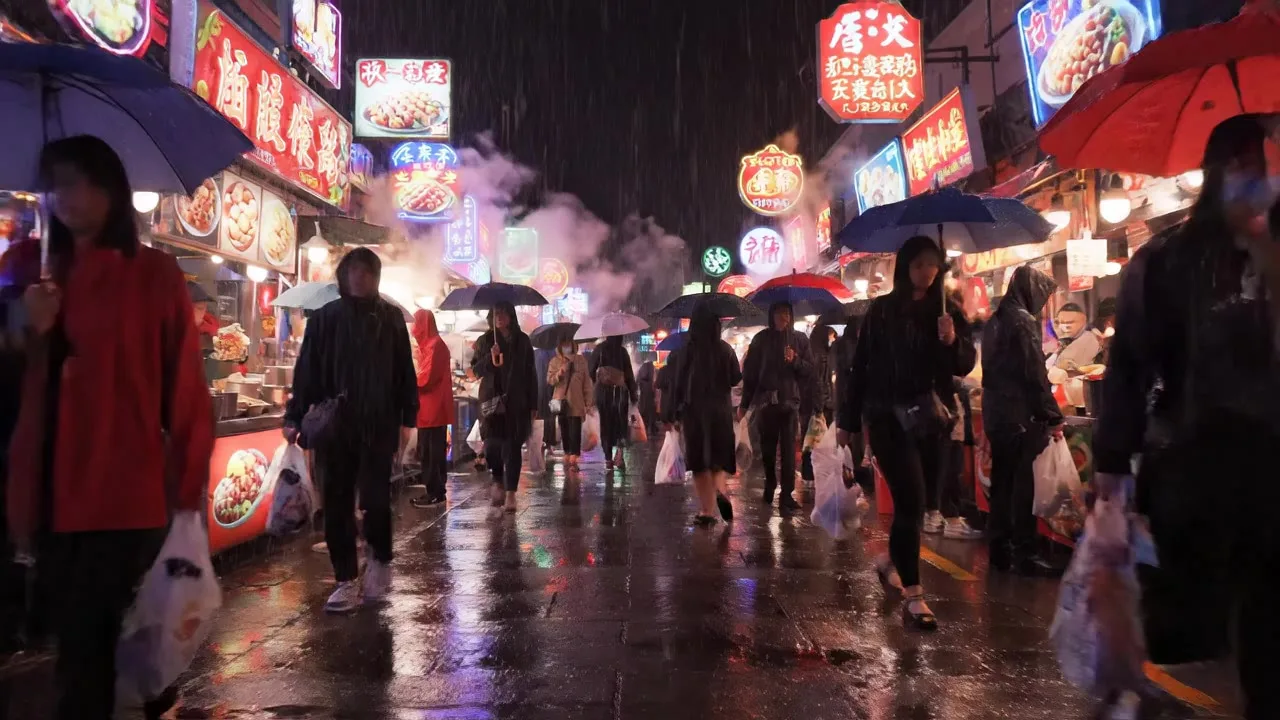
Google's Veo 3.1 is available in Snap AI Studio in three versions: Veo 3.1, Veo 3.1 Fast and Veo 3.1 Lite. All three make video with sound, all three can start from a text prompt or from a photo you upload, and all three run on the same credit balance as every other model in the app.
Three versions, one model family
Veo 3.1 is the flagship, with native dialogue, ambience and sound effects. Use it for realistic shots with sound, spoken lines and cinematic scenes. It costs the most per second, so it pays to find the shot on a cheaper version first.
Veo 3.1 Fast gives Veo 3.1 quality with sound at a fraction of the cost and the wait. It is the default model in Text to Video, UGC Video Ads and AI Podcast Video, and the one to use for everyday video, UGC ads with a voice, and fast iteration.
Veo 3.1 Lite is the cheapest Veo, still with audio. It suits social clips, drafts and trend effects on a budget.
Where Veo runs in the app
- Text to Video, UGC Video Ads and AI Podcast Video list all three versions and default to Veo 3.1 Fast.
- AI Kiss Video Generator, AI Hug Generator, Image to Video, Animate Old Photos, AI Dance Video and Real Estate Video list Veo 3.1 Lite and Veo 3.1 Fast next to Kling, Seedance, Wan and the others. These tools default to Kling 3.0 Standard.
- Video effects: Veo 3.1 Lite is the default model for 31 of the 37 video effect pages.
- The studio lists every Veo version in Text to video and Image to video mode.
Settings
Every Veo 3.1 version makes 16:9 or 9:16 clips of 4, 6 or 8 seconds. The start frame is optional: leave it empty for text to video, or upload a photo to animate it. Video is priced per second, so the Generate button shows the price for the length you pick.
For spoken lines, write the dialogue in quotes in the prompt. For a new idea, test it on Veo 3.1 Fast first and move to Veo 3.1 once the prompt works.
Known limits
- Letterboxing on Veo 3.1 Lite. When the start frame's shape differs from the video's aspect ratio, Veo 3.1 Lite adds black bars. Crop the photo to 16:9 or 9:16 before uploading.
- Real-person photos. Veo 3.1 Lite can refuse some photos of real people. The kiss and hug tools default to Kling 3.0 Standard, which animates people smoothly. Safety rejections are refunded up to a daily limit, and our content policy explains how that works.
- No square or other ratios. Veo only offers 16:9 and 9:16 here. For 1:1, 4:3 or 3:4, pick Seedance, Wan or Grok Imagine Video.
Try it
The fastest way in is Text to Video: write what happens, pick a length and press Generate. The sample above was made with Veo 3.1 Lite in that tool.