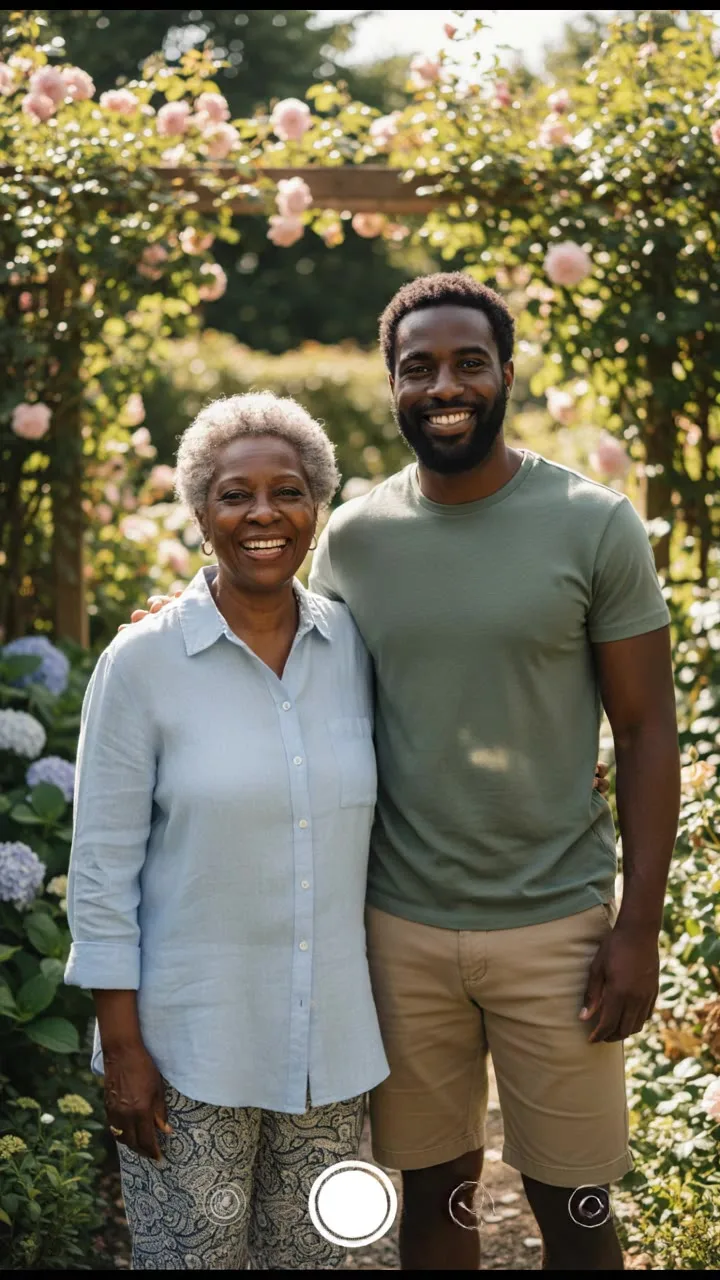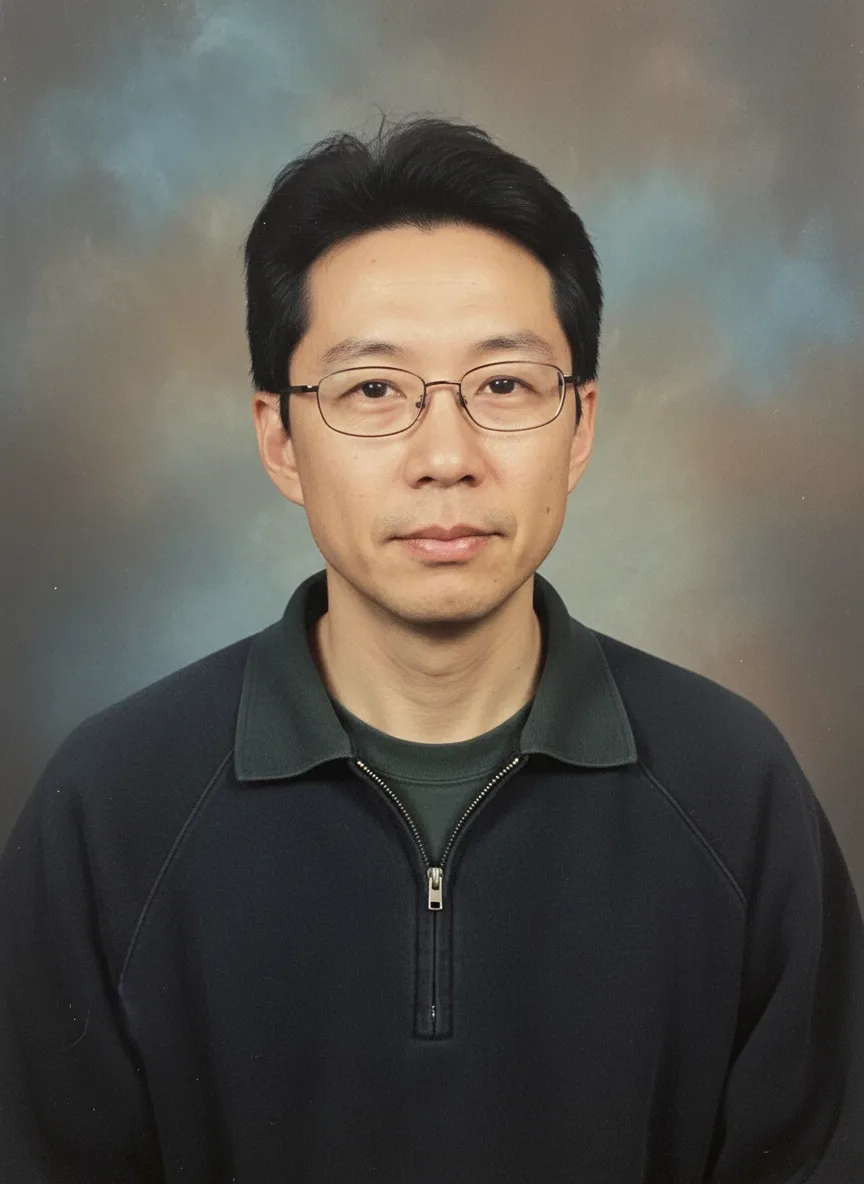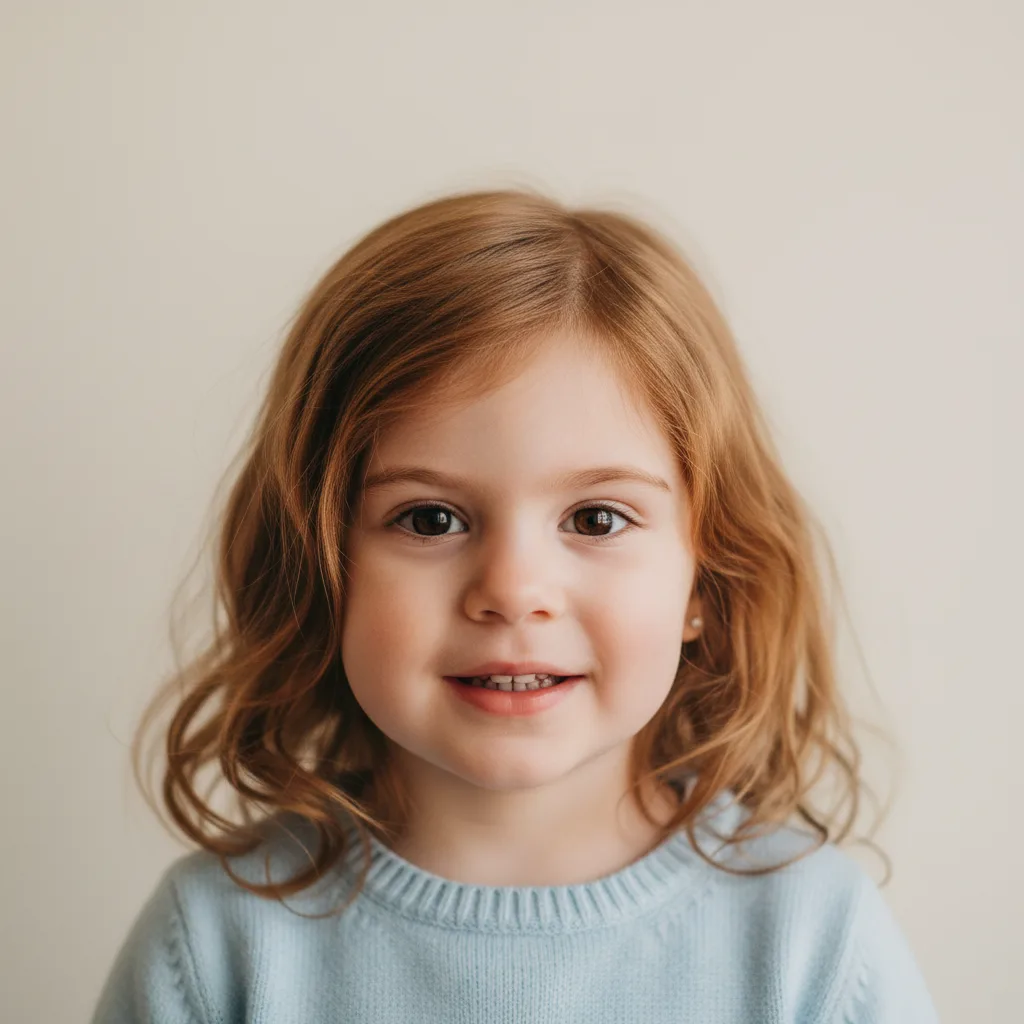
An AI baby generator is an image model given two photos and an instruction to draw a child of the two people in them. It looks at visible features in each photo (face shape, eye color, skin tone, hair) and paints a new face that mixes them, at the age you choose. It does not read DNA or apply any rule of inheritance, so the result is a guess made for fun, not a prediction of what your child will look like. The rest of this post explains what happens when you press Generate and why the results vary so much.
What happens when you press Generate
On Snap AI Studio the AI Baby Generator takes exactly two photos, one of each parent, plus two choices: an age (newborn, 1 year old, 5 year old, 10 year old or teenage) and a gender (baby, boy or girl). It turns them into this instruction for the model:
"A realistic portrait photo of a 1 year old baby who is the child of the two people in these photos, naturally blending their facial features, eye color, skin tone and hair. Soft natural light, simple background, photorealistic, adorable."
The model receives the two photos and that sentence, and draws one new image. You can read the exact instruction under "Prompt sent to the model" before you generate.
Why it is a guess, not a prediction
The model only has pixels. It sees what the camera caught: the angle, the light, the expression, a haircut, maybe makeup. It does not know which of those features are inherited, which are dominant, or what either parent looked like as a child. It has learned what faces look like in general, and "a child of these two people" becomes "a young face that shares visible traits with both".
That has a few consequences:
- Light changes the result. A photo in warm indoor light can make skin and hair look warmer than they are, and the model copies what it sees.
- Styling leaks in. Dyed hair, colored contact lenses and makeup are read as features.
- Similar-looking results are not evidence. A child that looks like both of you in the image says something about the photos, not about genetics.
The tool's own FAQ says the same: treat it as entertainment, because real children often look quite different.
Why every result is different
Each generation is drawn fresh. Run the same two photos twice and you get two different children, the way siblings differ. That is not a fault; it is the most honest thing about the tool. If you want a sense of the range, generate several and look at them side by side instead of treating any one as the answer.
Getting a balanced blend
When one parent dominates the result, it is usually the photos:
- Match the light. Two photos taken in similar light, ideally daylight, blend more evenly.
- Match the angle. Both front-facing, both at a similar distance from the camera.
- Show the whole face. No sunglasses, no hats, no filters.
- Generate a few more. Some runs lean toward one parent, some toward the other.
The default model is Nano Banana, chosen across our people tools because it keeps faces consistent.
Nano Banana Pro is the sharper, more expensive option in the same menu. It changes how detailed the portrait is, not how accurate the guess is.
Seeing a whole childhood
Because the age is a separate setting, you can keep the same two photos and step through newborn, 1, 5, 10 and teenage. The ages will not look like one continuous child, since each image is a fresh guess, but it is a fun set to put side by side. To see yourself at different ages instead, the AI age predictor renders one person at a chosen age.
Consent and safety
Both parents should agree to their photo being used. Celebrity and stranger photos are not allowed. Because this tool makes pictures of children, every prompt is checked before any credits are taken, and any request that pairs a child with sexual content is always blocked. Model providers run their own filters on photos too; a provider refusal is refunded automatically, up to a daily limit. The rules are in what you can create, and why was my generation blocked explains refunds.
What people make with it
- Couples curious about their future kids
- Gender reveal and baby shower games
- Pregnancy announcements with a twist, paired with a maternity photoshoot
Step by step
For every setting in order, with fixes for common problems such as a child that looks like only one parent, follow the how to use the AI baby generator guide. The Generate button shows the credit price before you spend anything, and failed generations are refunded automatically.